GB SGM Technology for lighting
User’s Manual 1.00 Pi
lot 3000
- 16 -
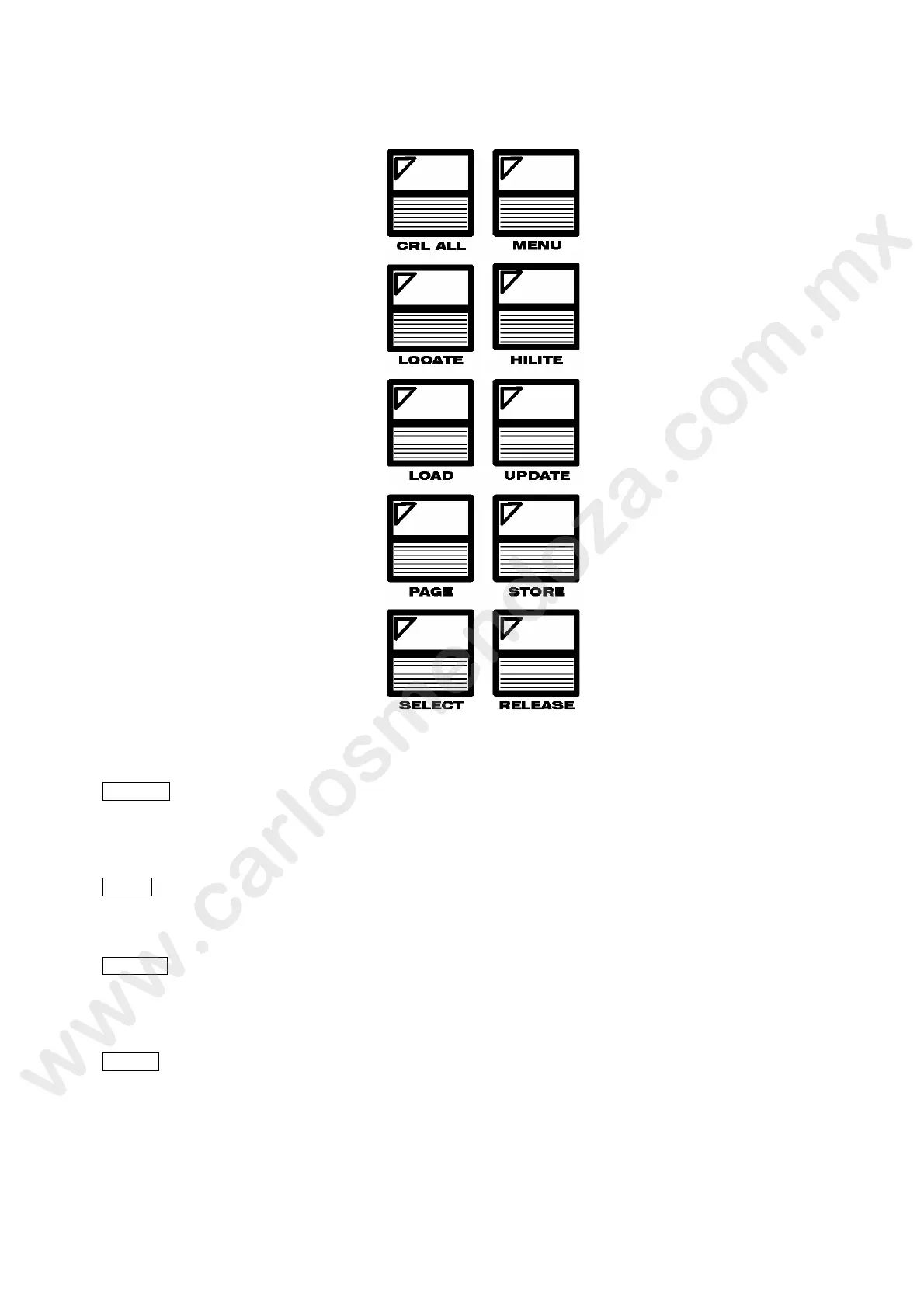
EDITOR KEYPAD
The Editor Keypad keys are ordered on wo columns and allow the access to the following functions:
CRL ALL
Pushing the “CLEAR ALL” ey , will delete all the information related to the parameters handled
during the editing peri d. This will ends the temporary programming or editing of certain
parameters during the Playback.
MENU
This will ope a w ndow which gives additional features related to the area of the software used
at a specific ti .
LOCATE
This ommand will force all the selected fixtures to the “Home” position. Locate is the command
wh ch normally is used as “first operation” when programming intelligent fixtures.
Th Locate command will load all the fixture’s attributes into the Editor.
HILITE
This command switches the Editor into the ‘HiLite’ mode so that the Dimmer and Shutter
channels, for the selected fixtures, will go at 100% (open position).
The HILITE action will not modify the Dimmer or a Shutter value loaded into the Editor but is
mainly used to check the beams position, while programming a Cue, for those fixtures which do
not have any information loaded into the Editor about Shutter and Dimmer channels. Another use
can be during a Palette modification for those fixtures without Intensity information stored.



 To Next Page