SGM Technology for lighting GB
Pilot 3000 Us
er’s Manual 1.00
- 69 -
It is possible to select a Register on one of the 20 pages at disposal different from the current page.
The selection, in this case, needs two steps:
1. Page selection
2. Register selection
The page selection is carried out with the same procedure as for a Register, with the only difference that
you need to use the PAGE key located in the editor Keypad.
Pilot 3000 always supplies the Page and the Register indication normally selected in the right side of the
Display LCD placed over the Controllers.
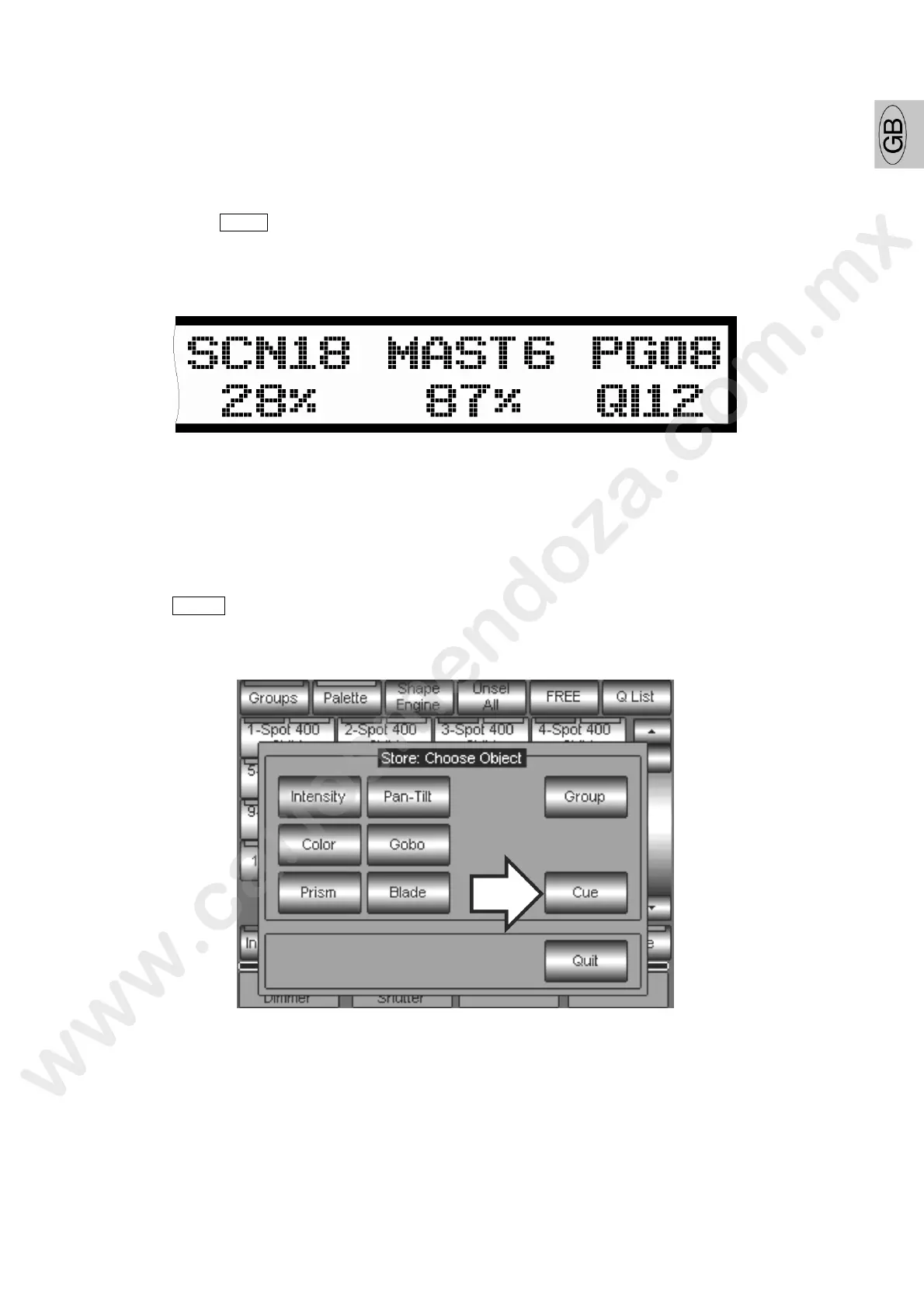
In the above figure the Register selected is the number 12 whilst the current ge is the number 8.
CUES SAVING
After having created through the editor the scene desired and chos n the destination of the Cue you are
going to save, proceed as follows:
Press the STORE key
Press the Cue key from the window appearing



 To Next Page