SGM Technology for lighting GB
Pilot 3000 Us
er’s Manual 1.00
- 61 -
FIXTURE PANEL MODIFICATION
It is possible to customize the fixtures selection panel by coloring and renaming the Fixtures keys. This
allows the operator to create at will panels for a quicker and easier Fixture selection.
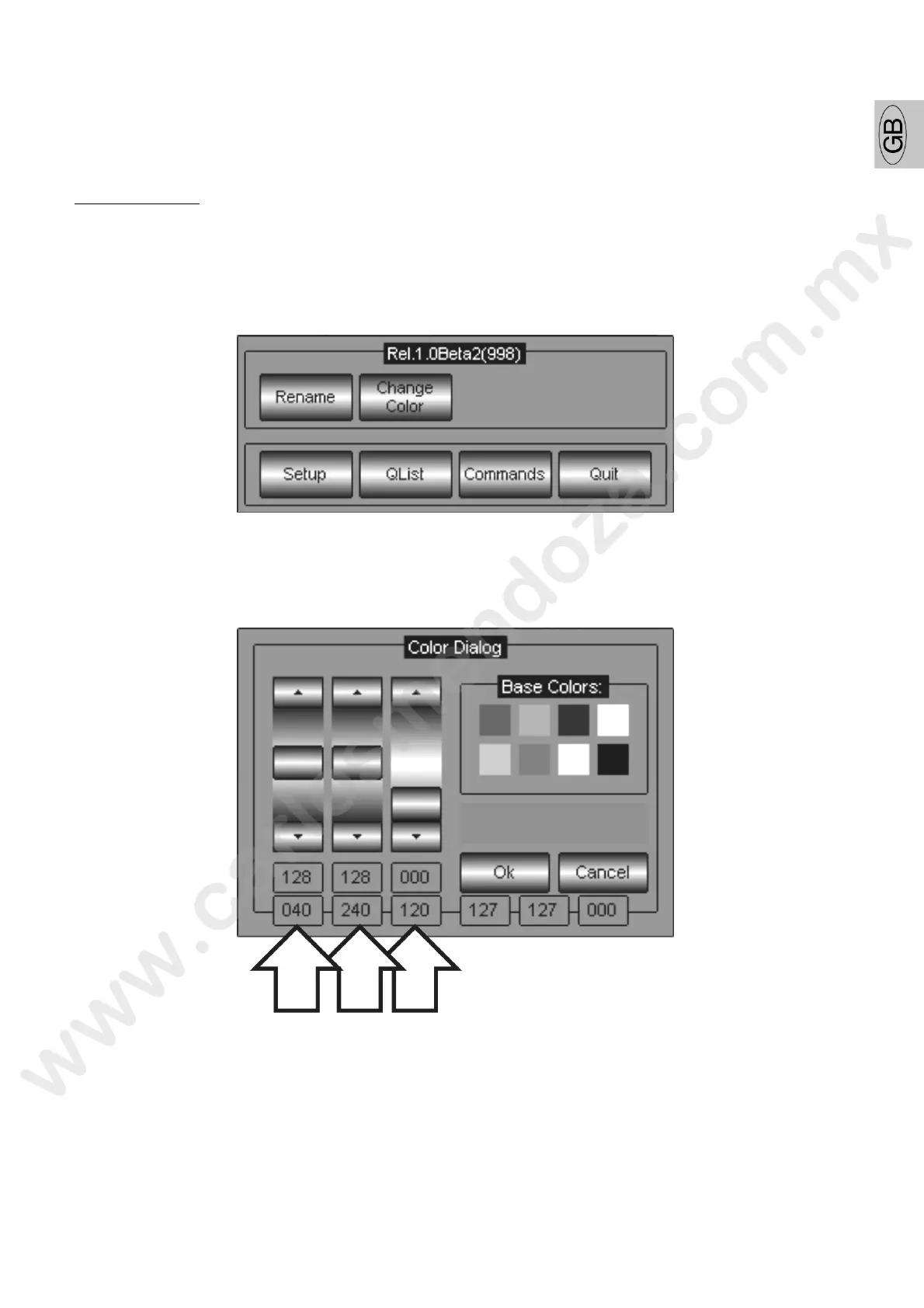
Fixture keys color
To assign color to the fixture key proceed as follows:
select the fixture
press the MENU key
press the Change Color key
generate the color desired by mixing the R-G-B channel T e m x can be done with the scroll bar
directly from the Touch Panel or using the first three Wheels ontrolling the Parameters.
press Ok to confirm and go out from the Color Dialog menu



 To Next Page