SGM Technology for lighting GB
Pilot 3000 Us
er’s Manual 1.00
- 53 -
5 TO PROGRAM PILOT 3000
This chapter gives to the user all the elements for a simple and correct programming of Pilot 3000. It is
strictly necessary that the Console, before being programmed, is correctly configured as described in the
previous chapters.
Pilot 3000 can be programmed in a very personal and flexible way. If you use the Console for the first time,
following the below procedure and, once learned the basic notions, you will be able to choose your own
programming style.
All the programming operations are enabled by the keys of the “editor keypad” area and the softwar
interface from touch panel. The main programming actions are three:
fixtures selection
editing of the Attributes until obtaining the scene desired.
saving the Attributes status in a Cue.
5.1 Fixtures selection operations
A
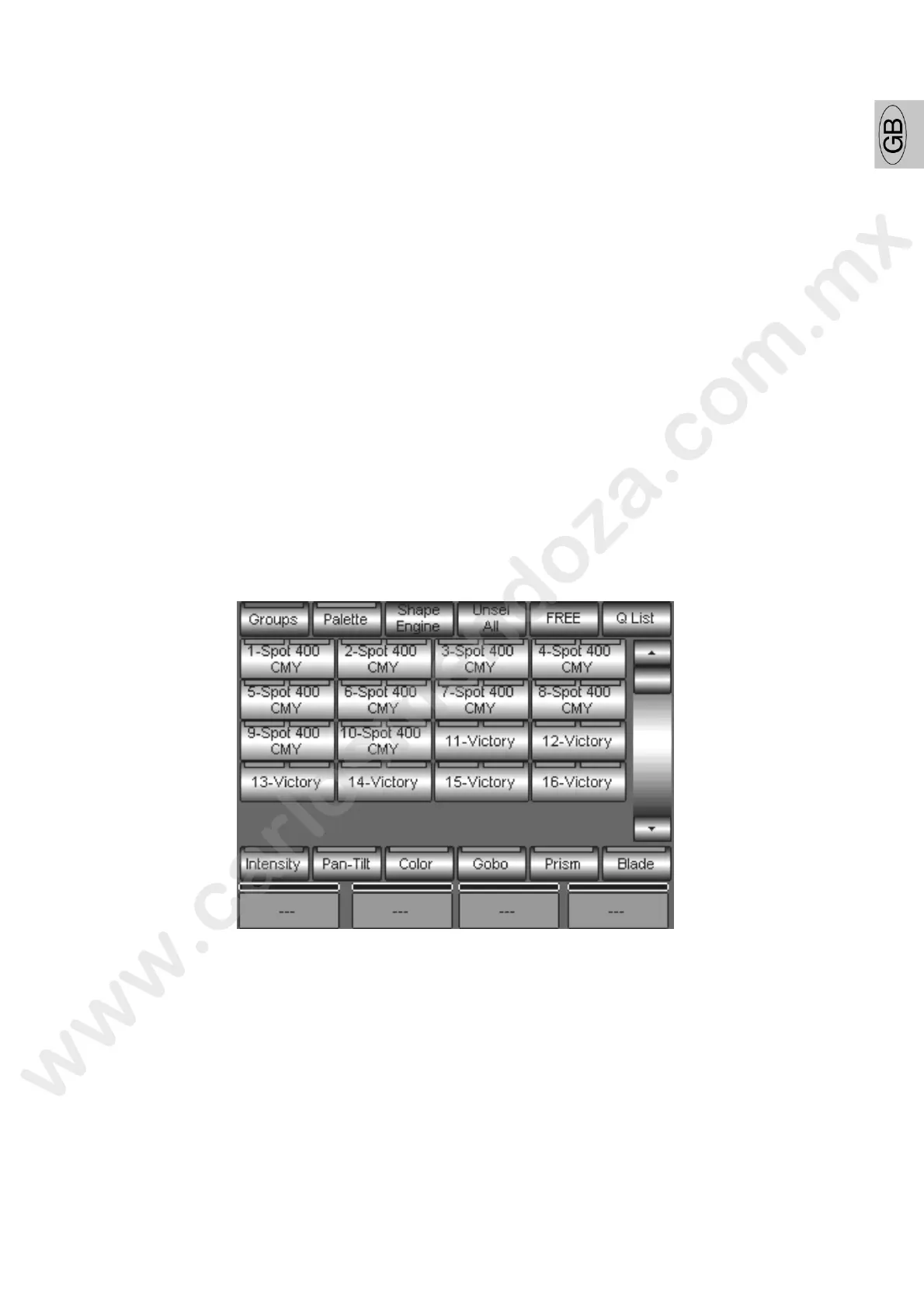
fter having configured the Console, the main interface automatically visualiz s the Fixtures selection area
showing the list of the projectors configured and the control area of the Att ibut s parameters to assign to
the four wheels.
SELECTION FROM THE FIXTURE PANEL
The select on operations are strictly necessary as first step to the programming, as they establish how
many and hich fixtures will be involved in the editing operation of a Cue.



 To Next Page