GB SGM Technology for lighting
User’s Manual 1.00 Pilot 3000
- 52 -
TOUCH CALIBRATION
Through the “Touch calibration” utility it is possible to re-calibrate Pilot 3000 touch panel working area,
when there are mismatches between the touch action areas and the interface reactions.
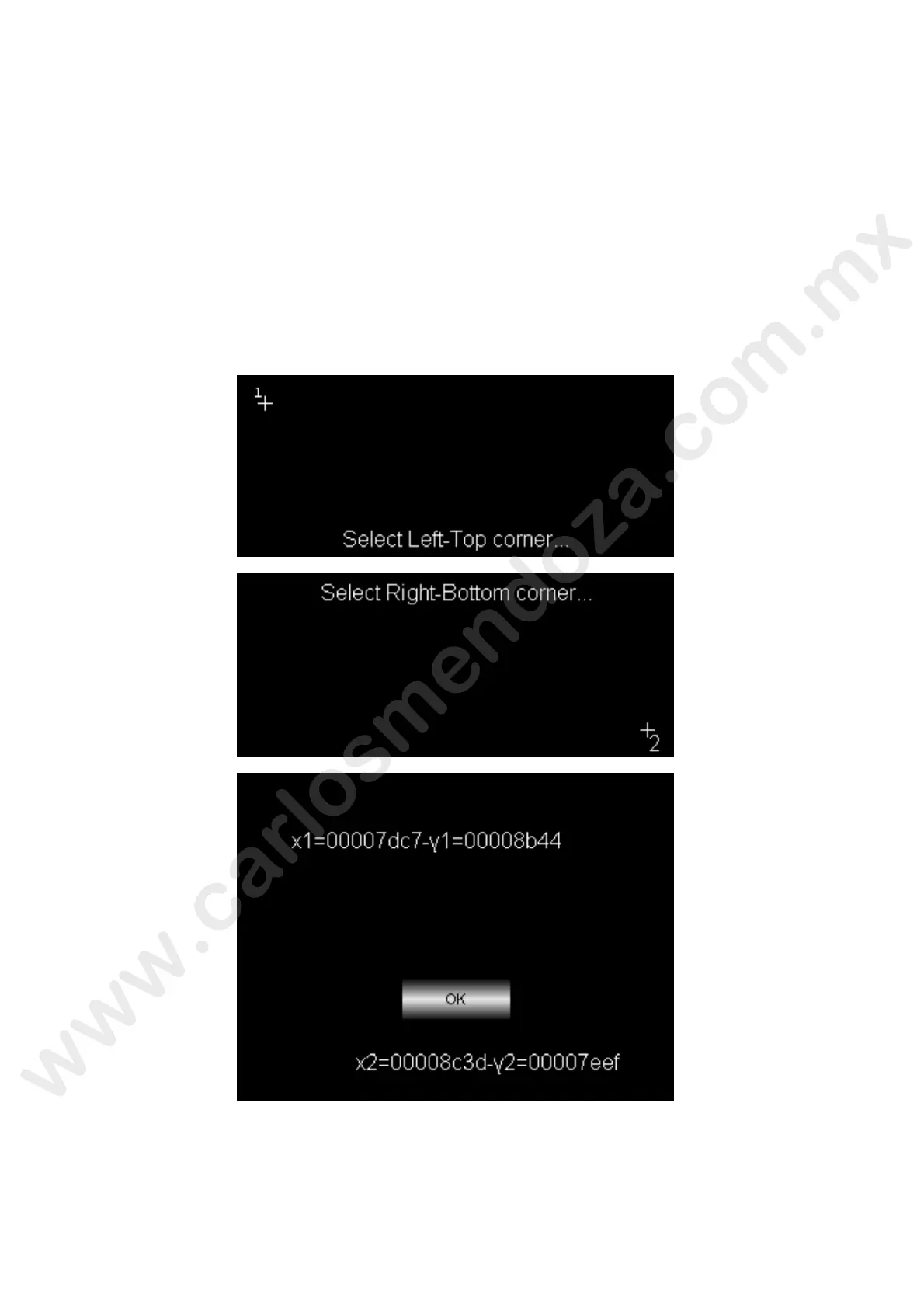
To calibrate the touch panel:
press the Touch Calibration key in the Tools menu
carefully press the cross symbol 1 located in the upper left hand side of the screen
carefully press the cross symbol 2 located in the lower right hand side of the screen
wait the OK key powering located in the center of the panel
press it to confirm the new calibration and go out



 To Next Page