SGM Technology for lighting GB
Pilot 3000 Us
er’s Manual 1.00
- 45 -
SLIDER CONFIGURATION
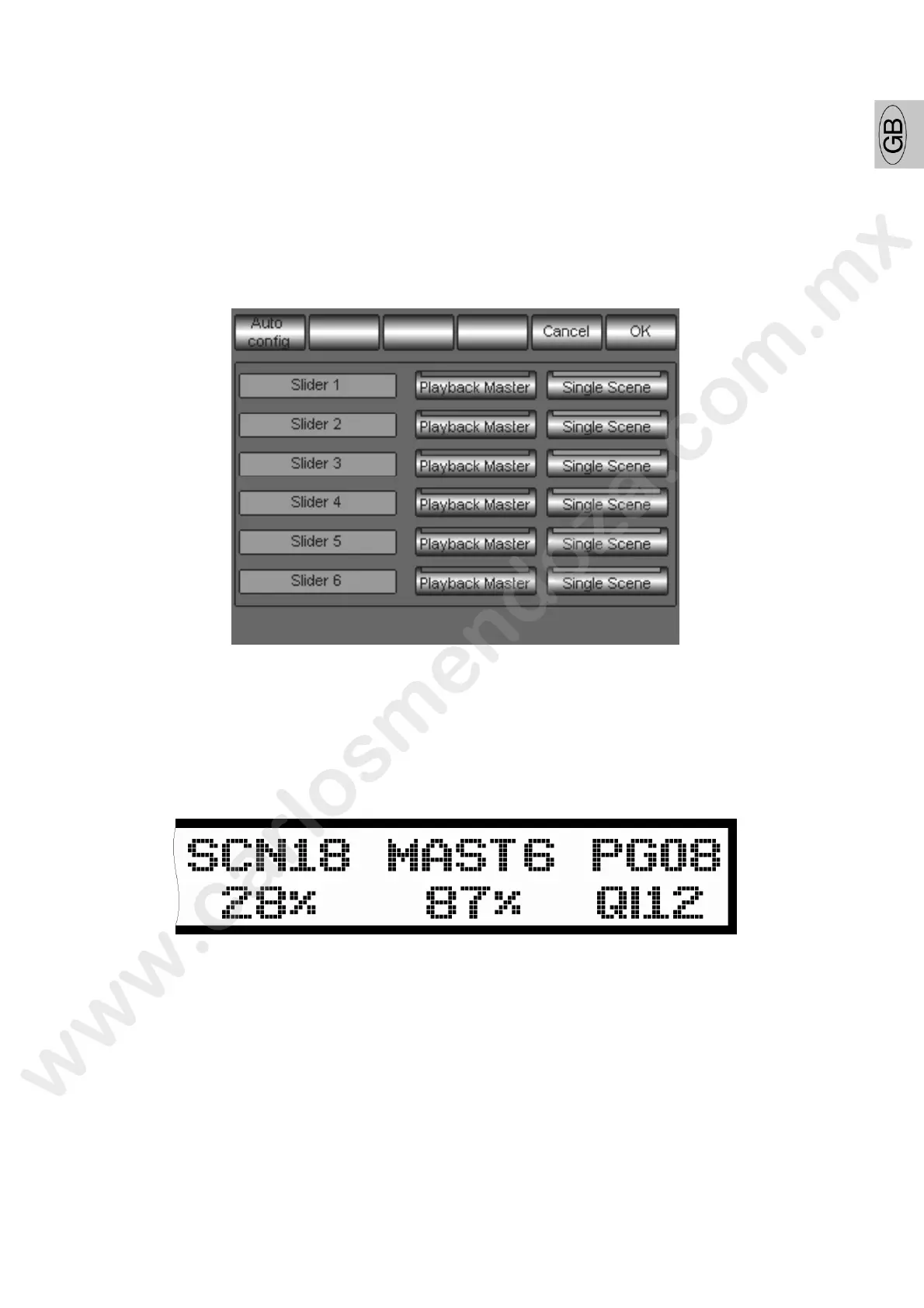
Pilot 3000 is equipped with six Controllers which can be configured at will, for every show in two running
modes (see “The Controllers”):
Register Master
Manual Cue
By means of the “Slider Configuration” panel you can choose, for the current show, in which of the two
running modes each Controller will operate.
The Playback Master key assigns the “Registe Master” mode.
The Single Scene key assigns the “Manual C e” mode.
The two modes are mutually exclusive.
Once having chosen, press the key OK
to confirm. At the same time also the display LCD alphanumeric
over the six Controllers Sliders will sh w he configuration done.
The ex mple shown in the picture presents a situation where the fifth Controller is configured as “Manual
Cue” and the sixth as “Playback Master”.



 To Next Page