SGM Technology for lighting GB
Pilot 3000 Us
er’s Manual 1.00
- 95 -
MODIFICATION OF THE PALETTE WINDOW
The Palette window can be customized either in terms of colors and labels applied to the Palettes’ touch
key.
To change the color of the Palettes’ key
To assign a color to the Palette keys, proceed as follow:
Select the Palette
Push the MENU key.
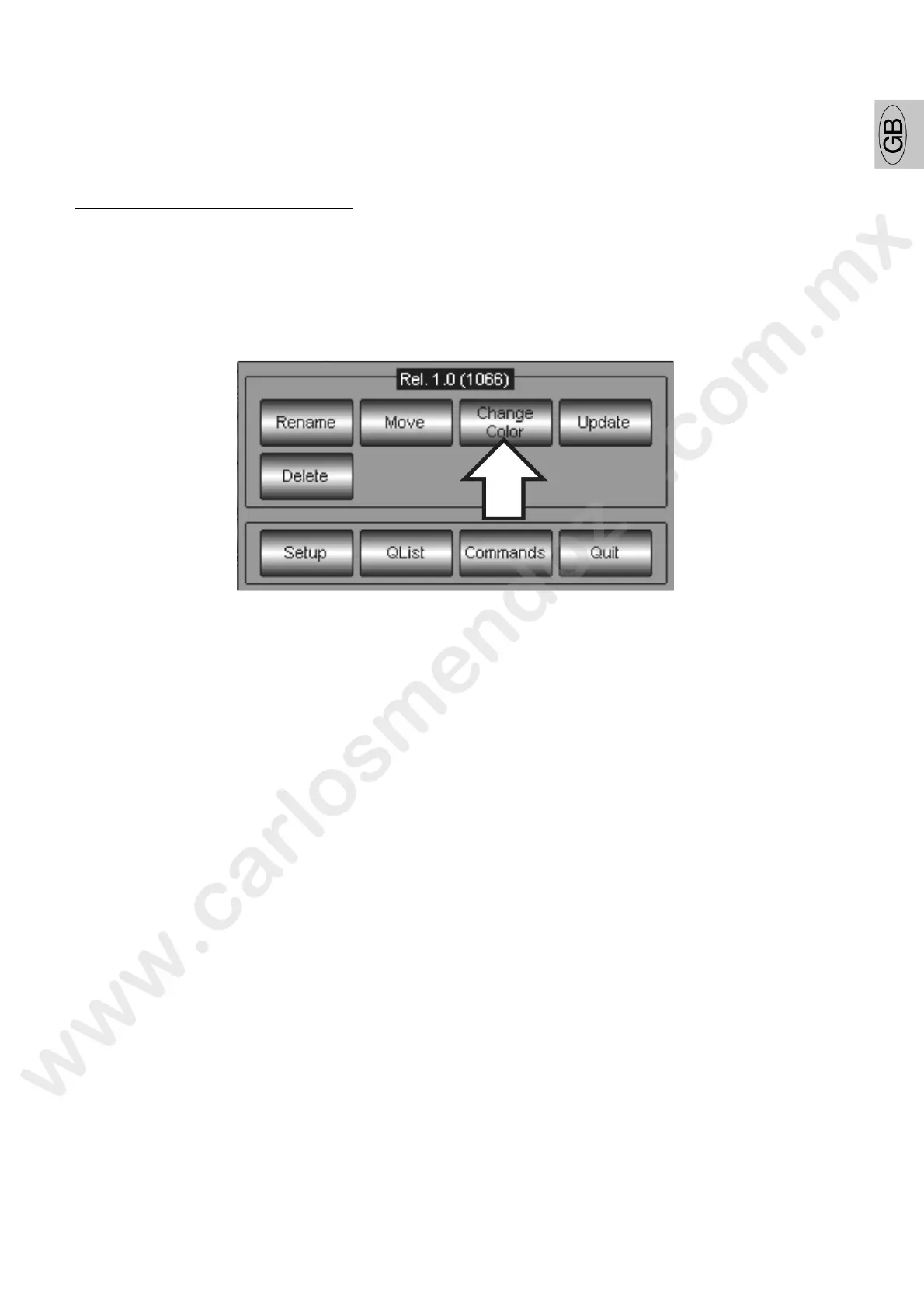
Push the Change Color key from the appearing pop-up window
A Color Dialog window will appear. Mix the R-G-B colors in order to obtain the desired color to assign to
the Palette touch key. The color mixing can be obtained by means of the scroll bars on the touch screen
or through the use of the Encoder wheels.



 To Next Page