SGM Technology for lighting GB
Pilot 3000 Us
er’s Manual 1.00
- 93 -
TO MODIFY A PALETTE
In a similar way as for the Cue, the modification of a Palette consist of recalling the Palette itself through
the Load command, change the settings and then store the changes by the Update command.
To modify a Palette, proceed as follows:
Click on the Palette to be modified
Push the LOAD key
Push the HILITE key in order to see the content of the Palette
Select the fixtures involved into the Palette and having the Led keys colored in Cyan.
Change the settings for the Fixtures’ Attribute
Push the UPDATE key
TO MOVE A PALETTE
Pi
lot 3000 allows organizing and changing the order in which the Palettes have bee sto ed. This operation
will enable the operator to give an order to the Palettes that fits his own needs.
To move the order of the Palettes, proceed as follow:
Select the Palette
Push the MENU key.
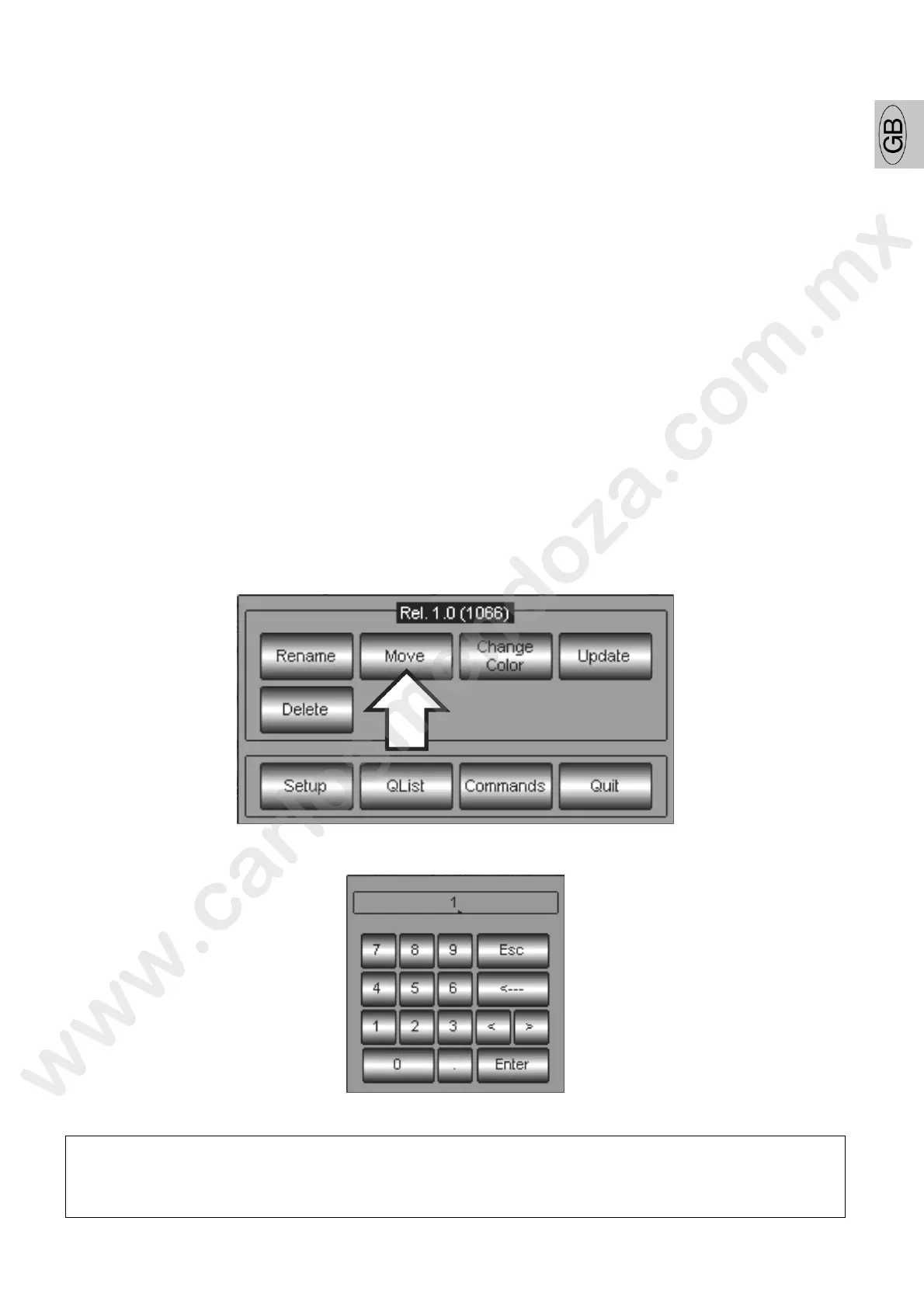
Push the Move key from the appearing pop-up window
Digit the Palette’s new ID number by using the numeric keyboard which will appear.
Push Enter to confirm and escape from the menu.
ATTENTION!
It is not possible to assign a new ID to Palette when the same ID is already used by another
Palette. Should this action be strictly necessary, then the busy ID must be removed so that it
becomes free to be used. This operation can be made by the Move command, as well.



 To Next Page