SGM Technology for lighting GB
Pilot 3000 Us
er’s Manual 1.00
- 27 -
ADDRESS PATCH
Pushing the Address Patch touch key will access the most important con iguration menu of Pilot 3000
where it will be possible to patch all the fixtures to be controlled by the console.
This chapter will now describe step by step what to do to p tch the fixtures.
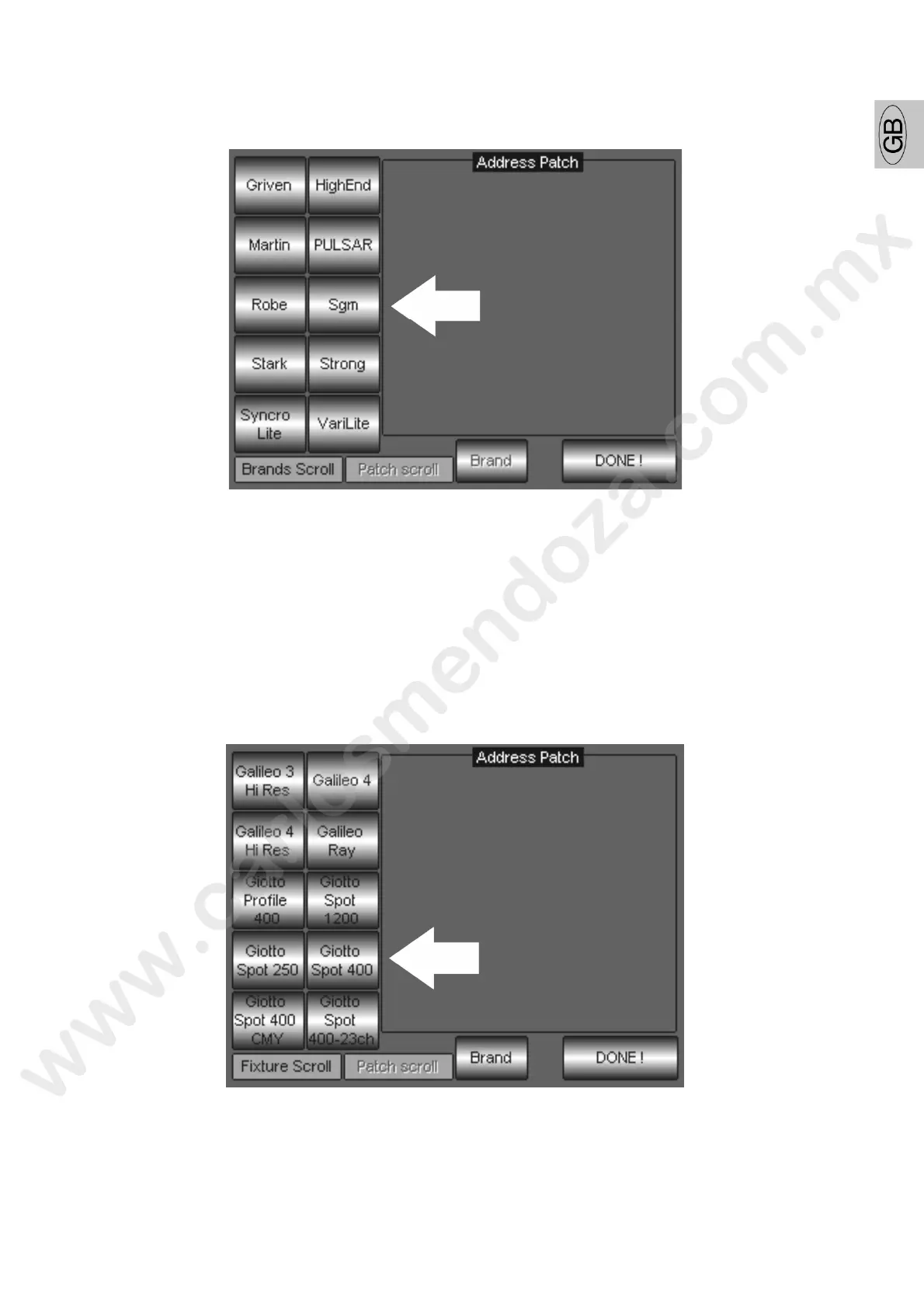
The first operation is to select the Brand of which the fixt re needed is included, from the list of
“Brands” available, by pushing the related Brand name to ch ey (i.e. SGM).
For a quick search of the desired Brand name, it is p s ible to use the first left-hand Encoder wheel
located under the writing “Brands Scroll”.
Now it possible to select the fixture, infect once th Brand has been selected, the left section of the
touch screen will automatically turn to the fix ures list available for that Brand name. The list of
fixtures can also be scrolled by using again the l t-hand Encoder wheel located under the writing
“Fixture Scroll”.



 To Next Page