GB SGM Technology for lighting
User’s Manual 1.00 Pi
lot 3000
- 42 -
OPTIONS
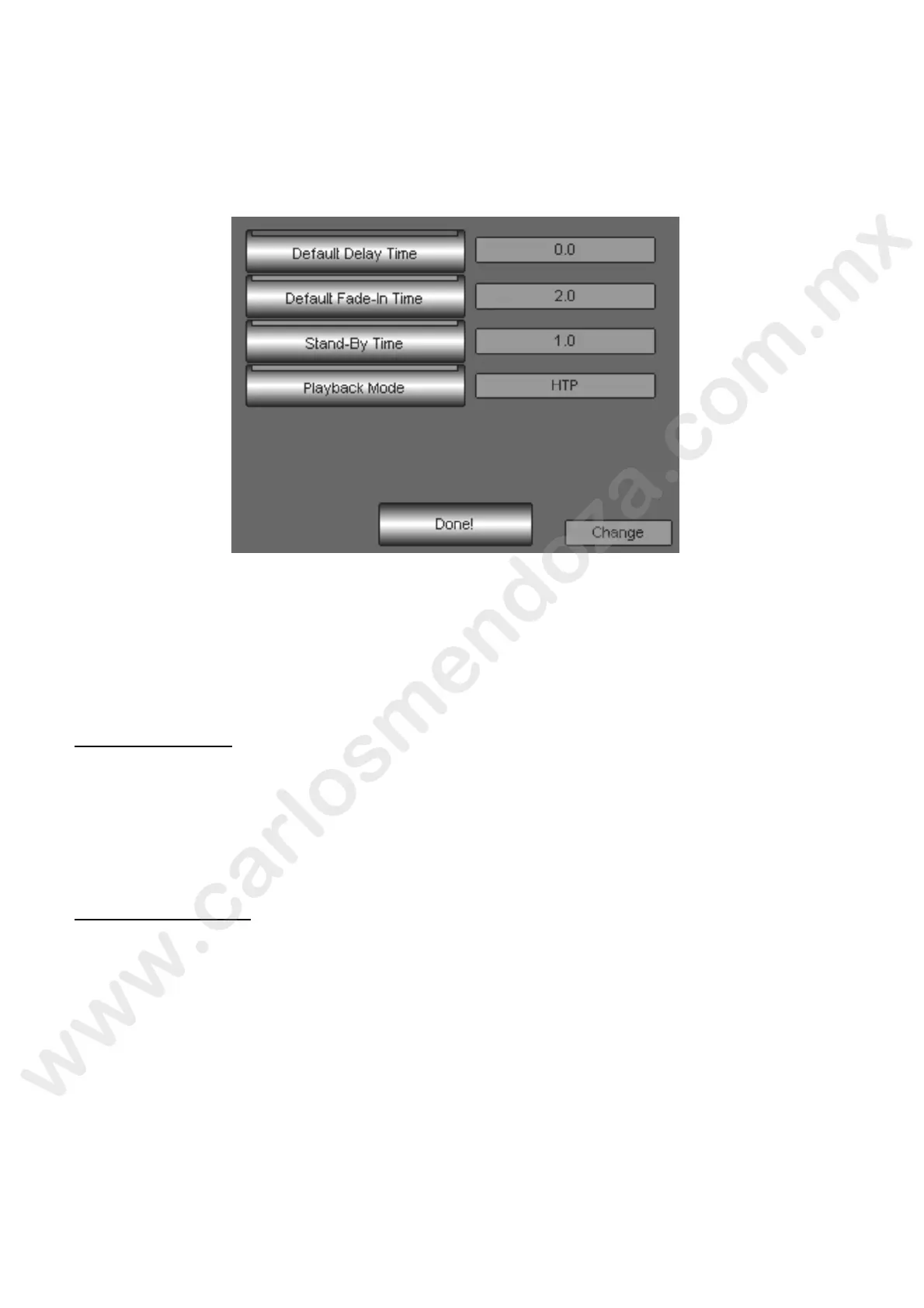
In the SETUP function the Option key opens a window where it is possible to choose among different
possibilities. Here below we will describe the different options available and their effects. All the variations
made in the Options window affect in a general way the console’s functioning (Overall).
The available Options are:
Default Delay Time
Default Fade-In Time
Stand-By Time
Playback Mode
Default Delay Time
By this option it is possible to decide, for each Show, which Delay time is automatically applied every time
a new cue is stored.
To modify the Delay time press the Default Delay Time key
Act on the wheel “Chang ” until visualizing the time value desired on the field near the key
Press Done! to end and go out from Options
Default Fade-In Time
By this option it is possible to decide, for each Show, which Delay time is automatically applied every time
a new cue is s ored.
To mod fy the Delay time:
ress the Default Delay Time key
Act on the wheel “Change” until visualizing the time value desired on the field near the key
Press Done! to end and go out from Options



 To Next Page