SGM Technology for lighting GB
Pilot 3000 Us
er’s Manual 1.00
- 73 -
5.5 Cues modification
There are different methods to modify the Cues.
It is important during the Cues modification to clearly know the procedures in order to avoid consequences
not desired.
LOAD AND UPDATE COMMANDS
“Load” and “Update” commands are respectively set for the re-loading of the Cues to modify in the Editor
and the updating of the Cue itself, once modified.
To modify a Cue, follow the procedure below described:
If you are in the Editor, press the Q List key to visualize the Cue Lists.
Use SELECT key to select the Register of the Cue to be modified, as previously described
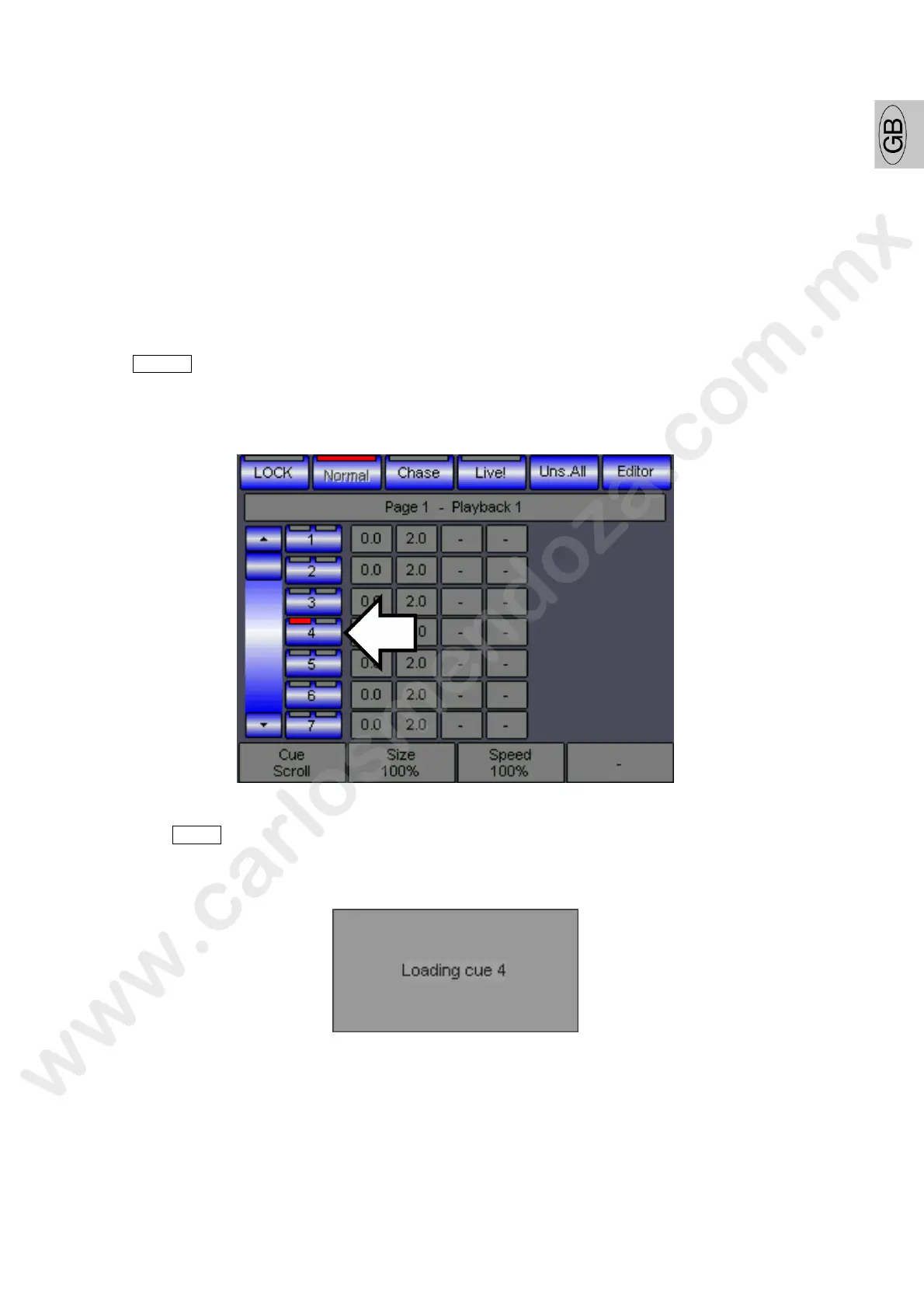
Press the key of the Cue you want to modify (I.e.: the Cue 4).
The left LED of the Red key identifies its selection.
Press the LOAD key.
A little window indicate the Load phases.



 To Next Page