GB SGM Technology for lighting
User’s Manual 1.00 Pi
lot 3000
- 48 -
To Backup the Show
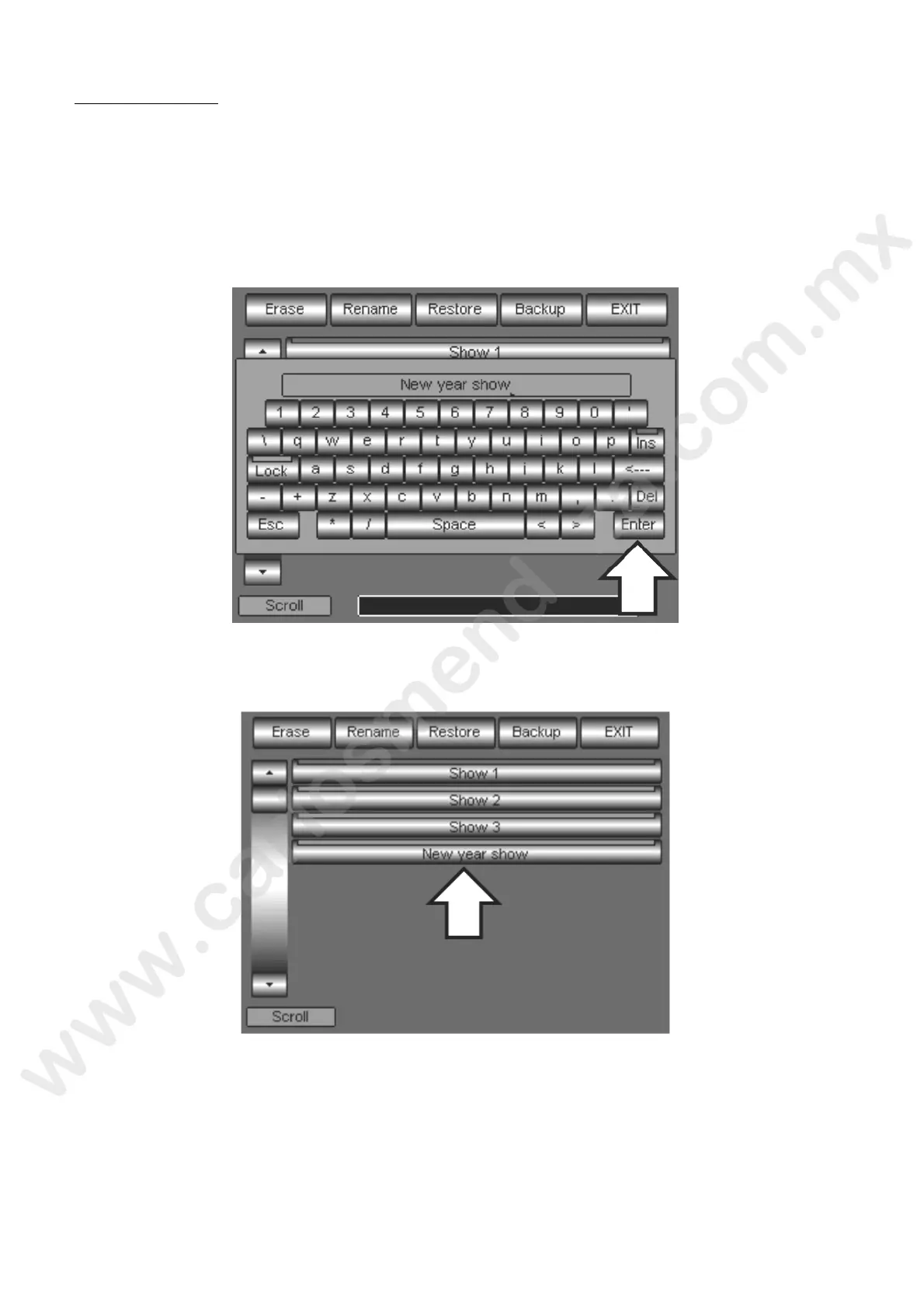
To perform the saving of the show just created:
Press the Backup key
Compose the name of the show through the alphanumerical keyboard which appears
Press the Enter key to confirm the saving
Wait that white progress-bar is complete
At each new show saving, Pilot 3000 creates a key sed for the Restore or the eventual canceling of the
show itself. The Show key’s label shows the n me ssigned allowing an immediate recognition.
In case the panel is completely covered by the Show keys, use the first Wheel “Scroll” to scroll the
selection.



 To Next Page