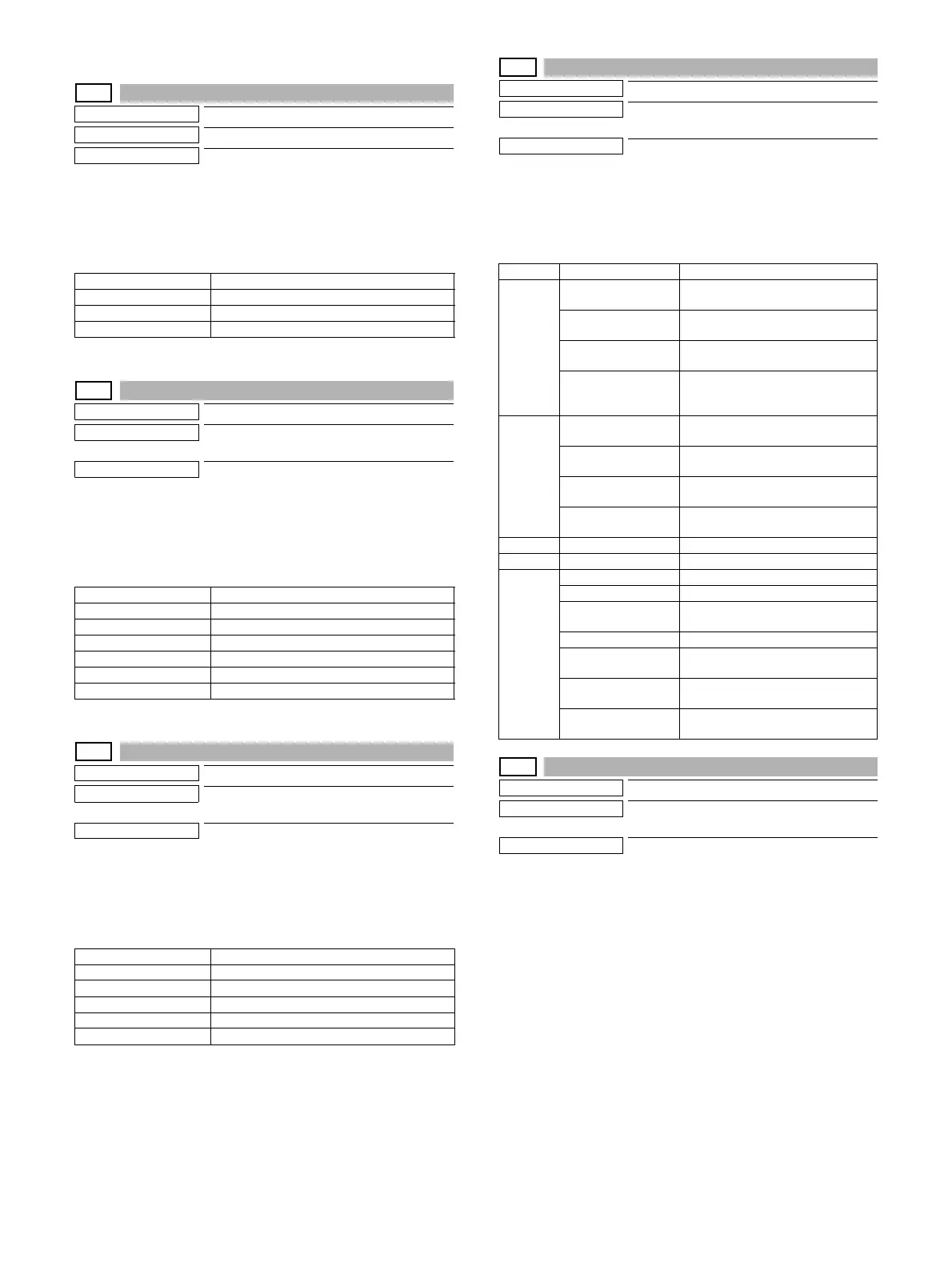
MX-3114N SIMULATION 6 – 28
24-6
Purpose
Data clear
Function (Purpose)
Used to clear the copy counter.
Section
Operation/Procedure
1) Select the item to be cleared with the touch panel key.
2) Press [EXECUTE] key.
3) Press [YES] key.
The target counter is cleared.
24-9
Purpose
Data clear
Function (Purpose)
Used clear the printer mode print counter
and the self print mode print counter.
Section
Operation/Procedure
1) Select the item to be cleared with the touch panel key.
2) Press [EXECUTE] key.
3) Press [YES] key.
The target counter is cleared.
24-10
Purpose
Data clear
Function (Purpose)
Used to clear the FAX counter.
(Only when FAX is installed)
Section
Operation/Procedure
1) Select the item to be cleared with the touch panel key.
2) Press [EXECUTE] key.
3) Press [YES] key.
The target counter is cleared.
24-15
Purpose
Data clear
Function (Purpose)
Used to clear the counters related to the
scan mode and the image send.
Section
Operation/Procedure
1) Select the item to be cleared with the touch panel key.
2) Press [EXECUTE] key.
3) Press [YES] key.
The target counter is cleared.
24-35
Purpose
Data clear
Function (Purpose)
Used to clear the toner cartridge use status
data.
Section
Operation/Procedure
1) Press [EXECUTE] key.
2) Press [YES] key.
The toner cartridge use status data (SIM22-14) are cleared.
COPY BW Copy counter (B/W)
COPY COL Copy counter (COLOR)
SINGLE COLOR Single color
2COLOR 2-color
PRINT BW Print counter (B/W)
PRINT COL Print counter (COLOR)
PRINT (2COL) Print counter (2-colors)
PRINT (3COL) Print counter (3-colors)
PRINT (SGL_COL) Print counter (Single color)
OTHER BW Other counter (B/W)
OTHER COL Other counter (COLOR)
FAX OUTPUT FAX Print quantity counter
FAX SEND FAX send counter
FAX RECEIVED FAX receive counter
SEND IMAGES FAX send quantity counter
SEND TIME FAX send time
RECEIVED TIME FAX receive time
Division Item/Display Content
Network
scanner
NET SCN ORG_B/W Network scanner document read
quantity counter (B/W scan job)
NET SCN ORG_CL Network scanner document read
quantity counter (COLOR scan job)
NET SCN ORG_2CL Network scanner document read
quantity counter (2-color scan job)
NET SCN ORG_SGL Network scanner document read
quantity counter (single color scan
job)
Internet
Fax
INTERNET FAX
OUTPUT
Number of internet FAX output
INTERNET FAX
SEND OUTPUT
Number of internet FAX sending
page
INTERNET FAX
RECEIVE
Number of internet FAX receive
INTERNET FAX
SEND
Number of internet FAX send
E-mail MAIL COUNTER Number of times of E-MAIL send
FTP FTP COUNTER Number of FTP send
Other SMB SEND Number of SMB send
USB CNT Number of times of USB storage
TRIAL MODE_B&C Trial mode counter (B/W & COLOR
scan job)
SCAN TO HDD_B/W SCAN TO HDD record quantity (B/W)
SCAN TO HDD_CL SCAN TO HDD record quantity
(COLOR)
SCAN TO HDD_2CL SCAN TO HDD record quantity (2-
COLOR)
SCAN TO HDD_SGL SCAN TO HDD record quantity
(SINGLE color)





 To Next Page