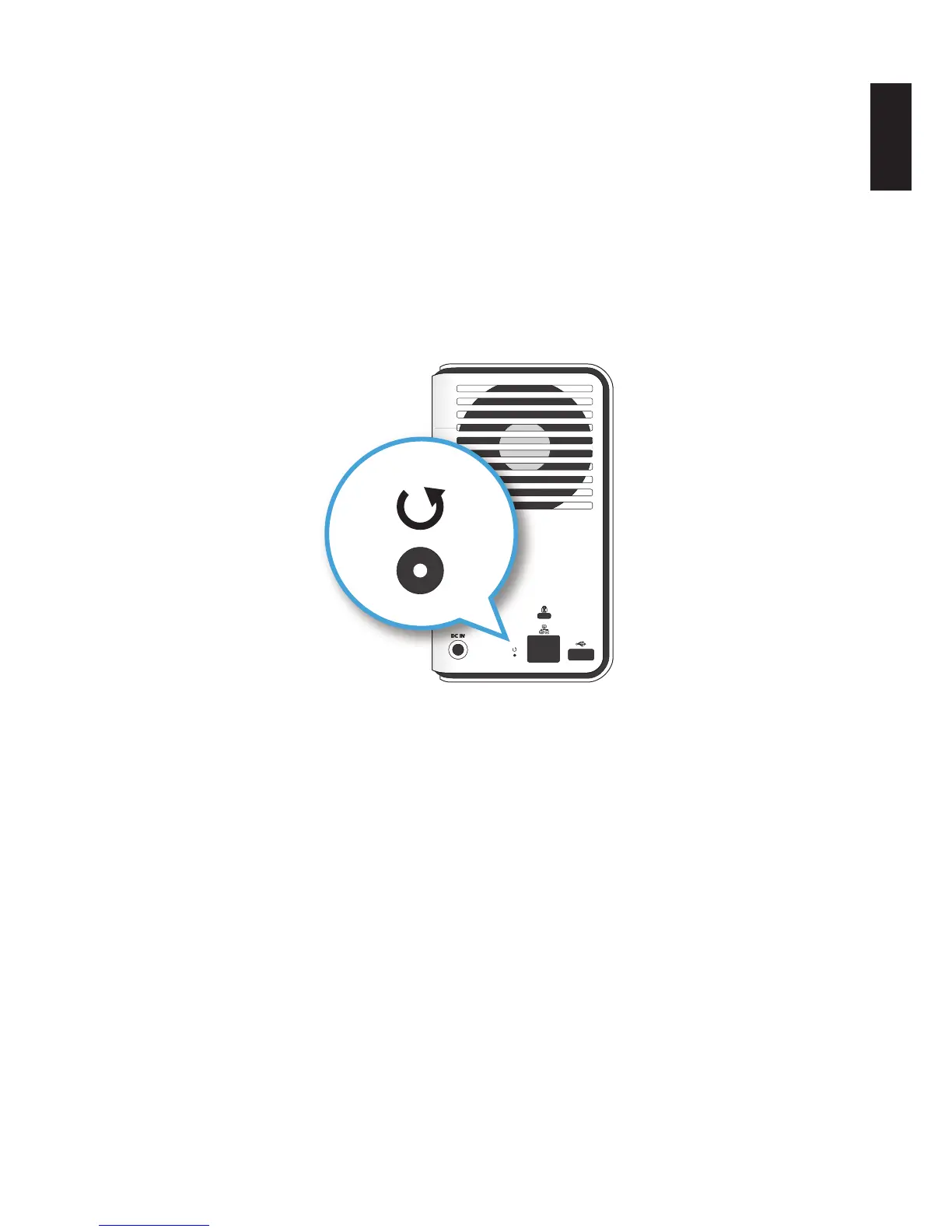
Hardware Reset
Hardware reset is available to clear the administrator username, password and restore the net-
work setting default (DHCP Automatically assign IP address) proles. This procedure does not
delete the data from the hard disks.
Make sure the OMNINAS is powered on before starting a hardware reset.
IMPORTANT:
The Web interface password is reset (no admin password) by default.
1. Locate the Reset button on the back of the device.
2. Insert a thin tool and press the button in for three seconds.
Reset Button Location
3. After a beep sounds, release the button.
The system reboots.
4. Use the default user name (admin)/password (no password) to log in the administrator
mode. See Connecting Your OMNINAS.



 To Next Page