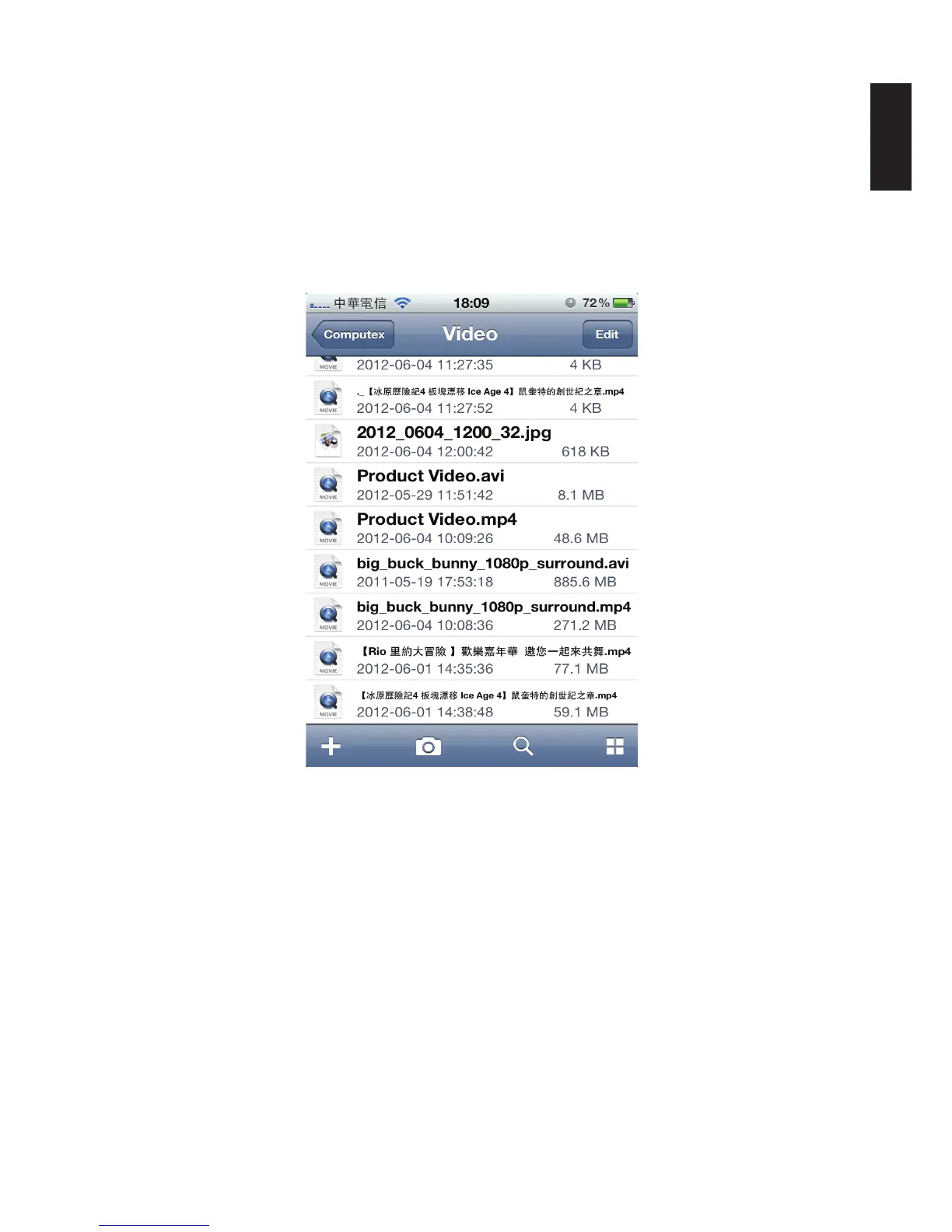
Viewing Movie Files
To open any Movie or Video les:
1. From the NAS List main screen tap on a video le.
2. Tap any sub-folder to view the les if needed.
3. Tap on any le to play automatically.
4. Tap Done to return to menu.
Opening Movie Files
Note:
Clicking on Edit allows you access to Rename, Copy, Move and Download functions.



 To Next Page