Media Server
Setting Up Media Server
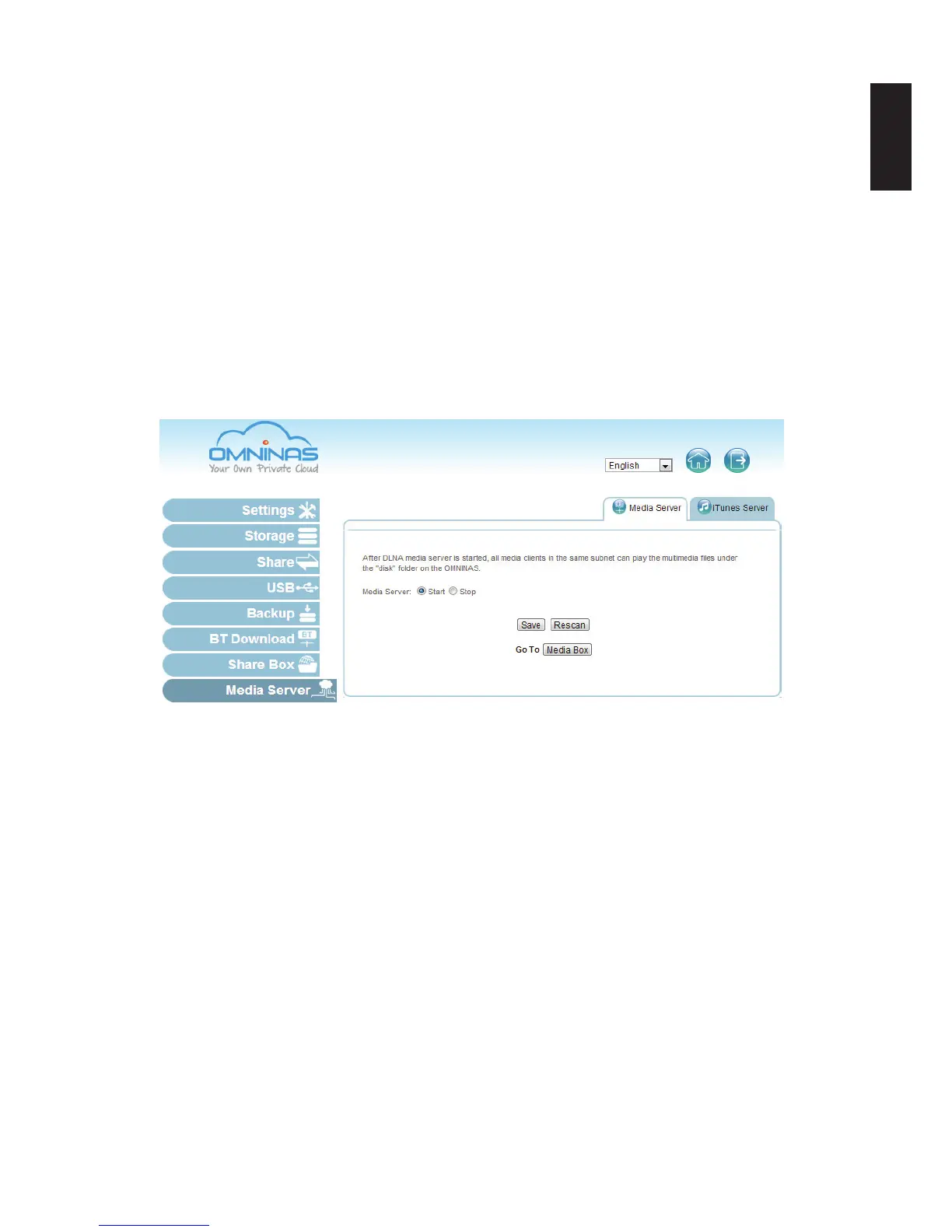
The Media Server function provides access to your multimedia library. The library is located on
the “disk” folder on the OMNINAS. Once enabled all clients within the same network subnet are
able to access and play the multimedia.
To enable the Media Server:
1. In Media Server, click the Media Server tab.
2. In the Media Server option, select Start to enable the Media Server function.
3. Click Save to complete the setup.
You can also click Rescan to update and verify any new setting.
Setting Up Media Server



 To Next Page