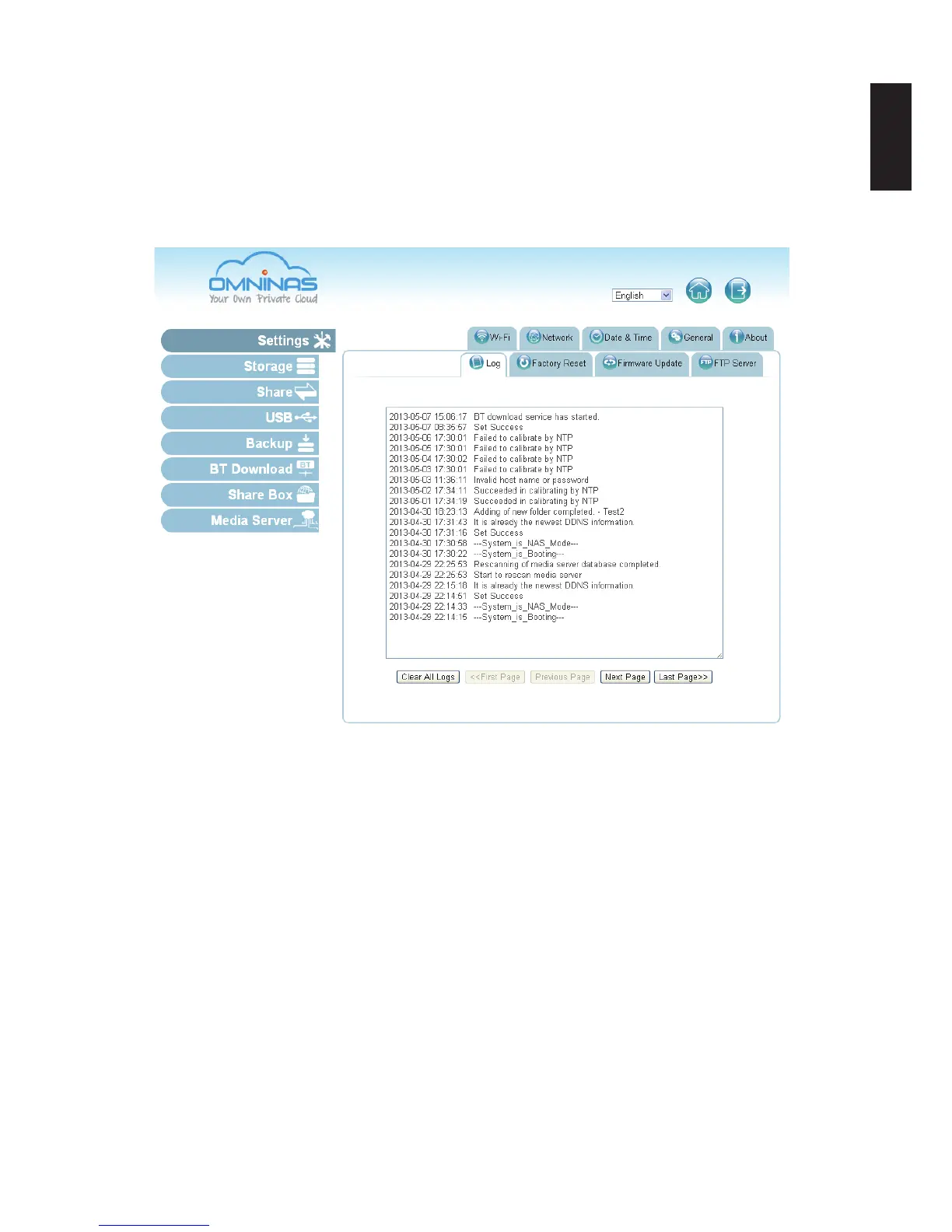
System Log
The Log function under Settings provides a list of history on system and user activities. The Log
function allows access to Clear All Logs, Next Page and Last Page. Clear All Logs deletes all log
entries.
To view logs use Next Page, Last Page and scroll bars.
System Log Screen
Clearing Logs
To clear the log history, click on Clear All Logs in the Log tab.



 To Next Page