IMPORTANT:
Make sure the port is open if you select a non-default port number. The port must forward
to the xed LAN IP of the OMNINAS so that connection to the Share Box service is possi-
ble. Make sure the port is open if you set a non-default port number.
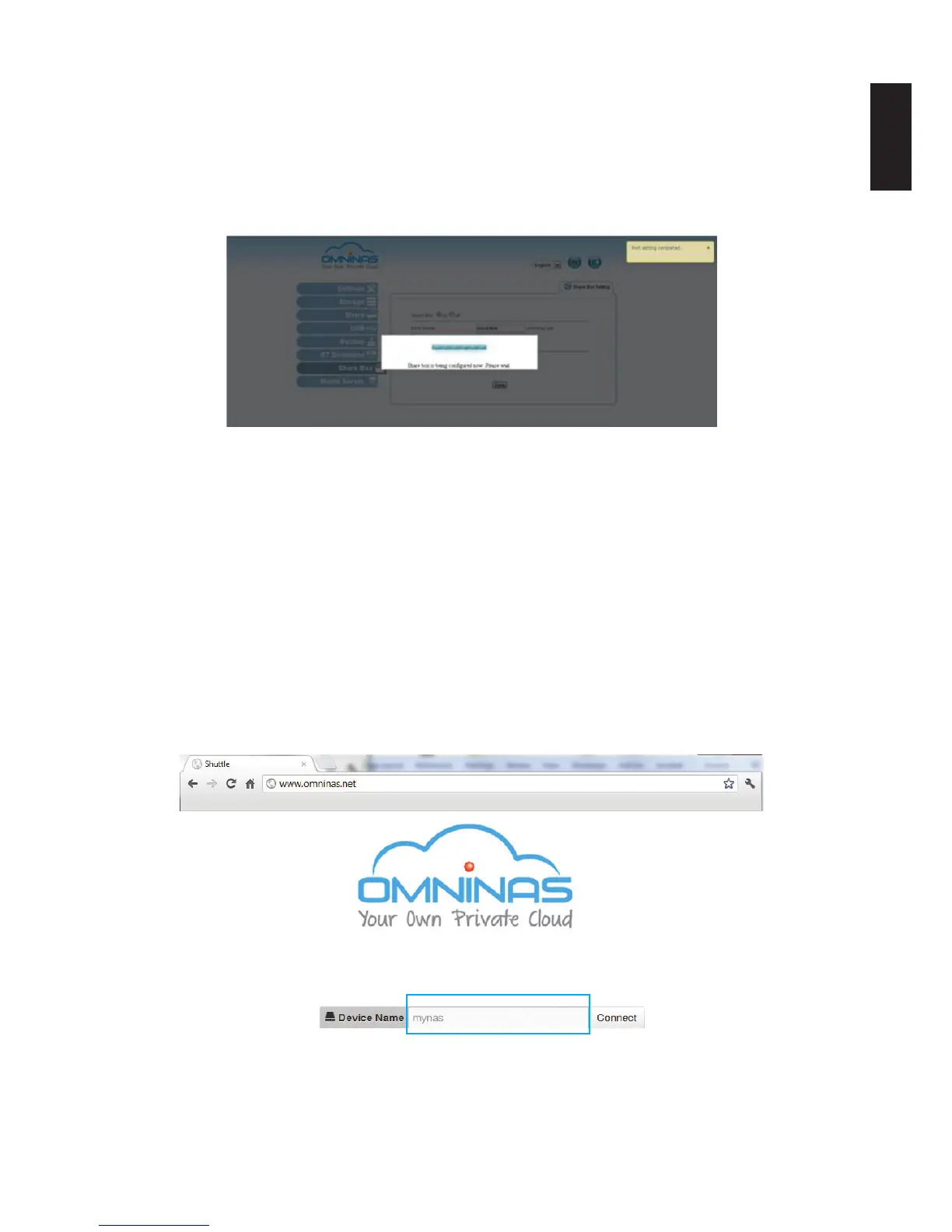
6. Click Save to register. The following message displays after a successful registration pro-
cess.
Share Box Conguration
Accessing Share Box
Share Box keeps your shared les and media ready and available through any Internet connec-
tion. Simply login and get access to all your shared folders.
Note:
To use Share Box, rst create a user. The user name and password is used to log into the
function.
1. Open a browser page and enter the following address:
http://www.omninas.net
The following screen appears.
Enter Your Device Name



 To Next Page