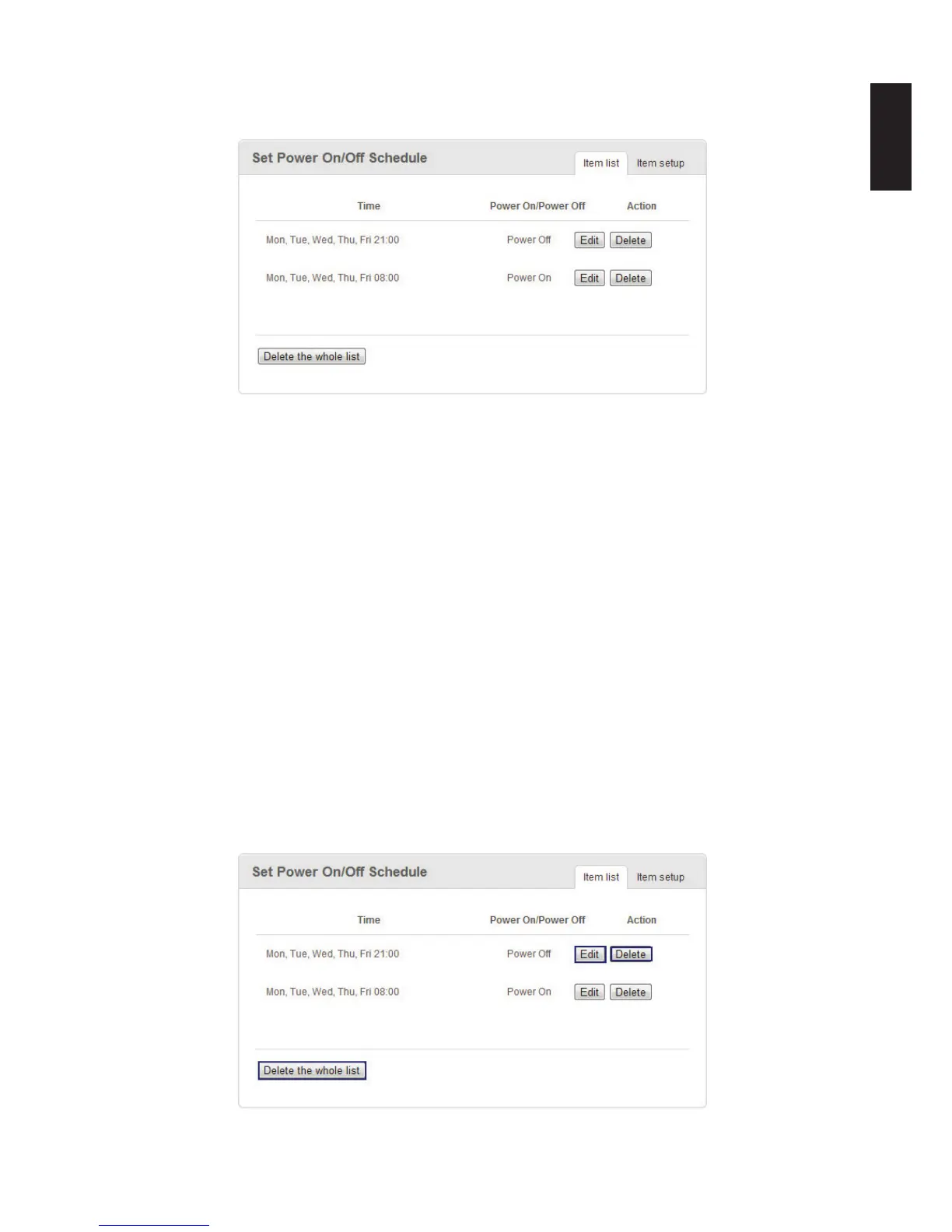
Through power management scheduling, you can setup a complete power on/off schedule
for an entire week to help you save energy without comprimising convenience.
Power Management Prompt
In this way, you can setup a complete power on/off schedule for an entire week.
Editing/Deleting a Set Power On/Off Schedule
To edit/delete a created list item:
1. In Settings, click the General tab.
2. The Set Power On/Off Schedule menu displays. Select the Item Setup tab.
3. Select a schedule and click on one the following:
- Edit to modify the event.
- Delete to remove the event.
A conrmation prompt displays, click OK to continue with deletion.
- Delete the whole list to remove the event.
A conrmation prompt displays, click OK to continue with list deletion.
Edit/Delete Power On/Off Schedule Prompt



 To Next Page