User Management
This section provides information for the management of user accounts. The provided guidelines
cover adding, editing, deleting user proles, as well as viewing of user lists.
Viewing User List
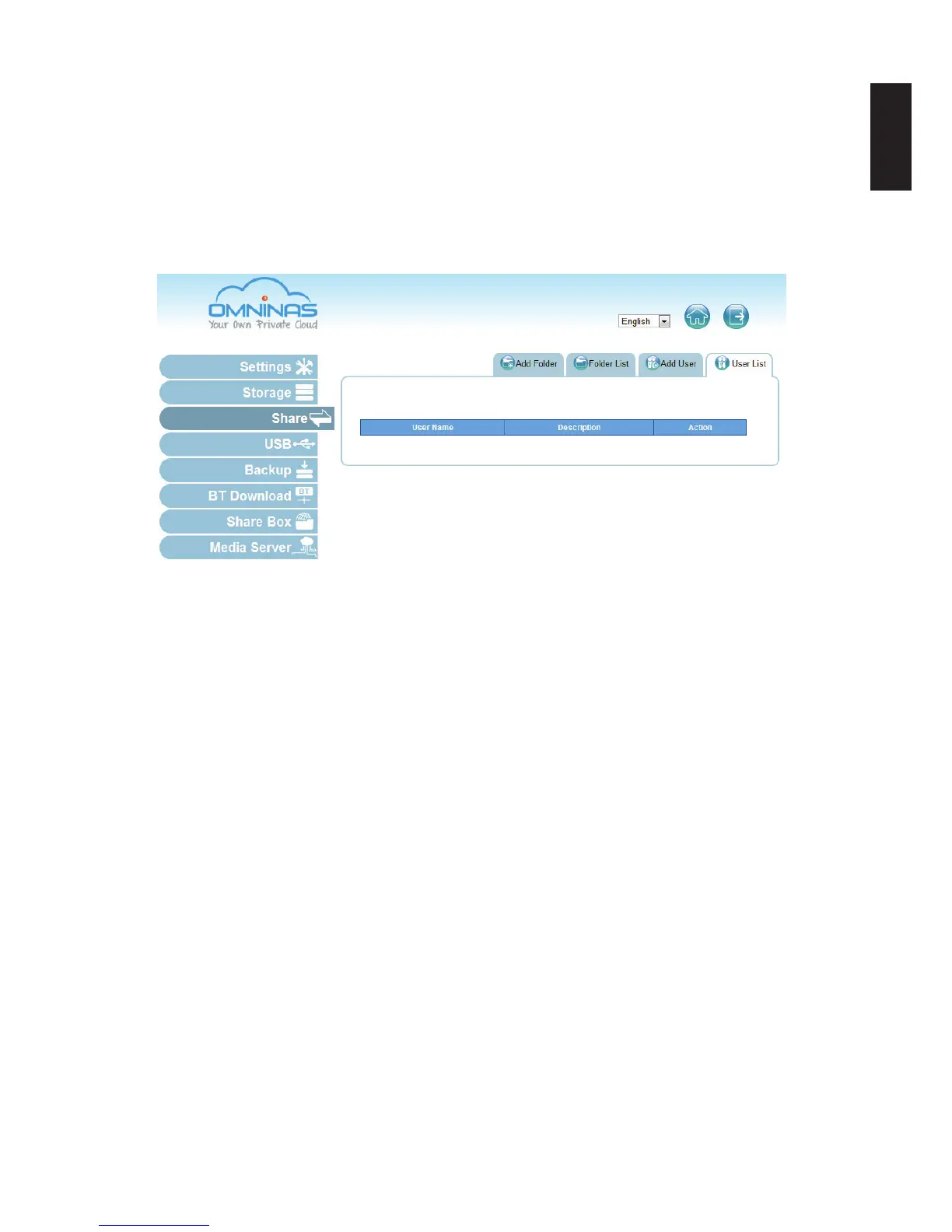
To view, edit or delete user proles, use the User List screen to manage available user proles.
Share User List Screen
The following users are available by default:
admin: The administrator is congured with full access to system administration and all
network shares. This account cannot be deleted.



 To Next Page