Adding a Local Device
Note:
To add a local device through the application, you need to connect your OMNINAS through
a switch or router. See Connect to a Switch or Router.
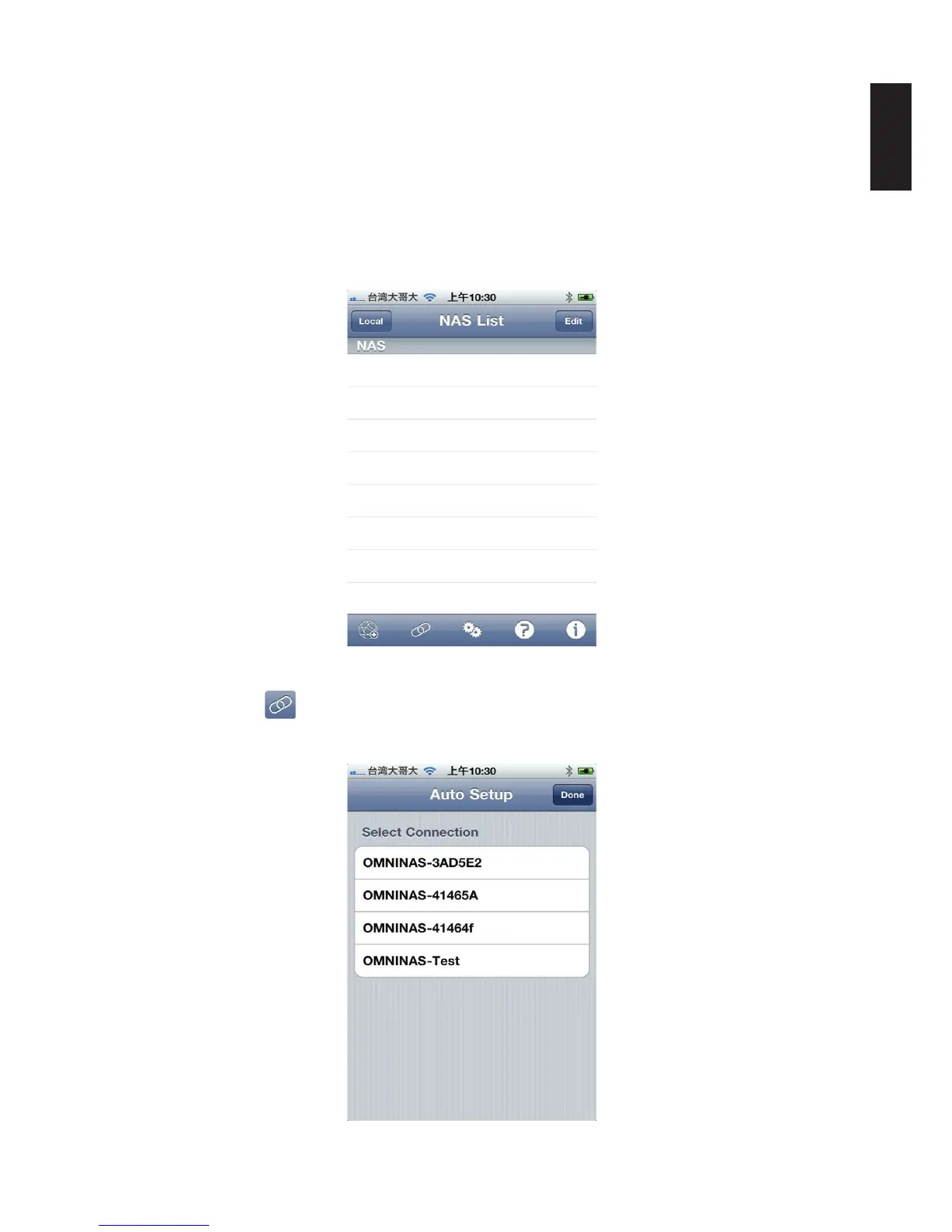
To change Auto Setup settings from the NAS List main screen: You can connect to your OMNI-
NAS by WAN or LAN. The LAN option provides a list of available devices under the same subnet
as your current smart device.
NAS List Screen
1. Tap Local Link
on the screen bottom.
2. The Auto Setup screen displays. Select an available device.
Selecting a Local Connection



 To Next Page