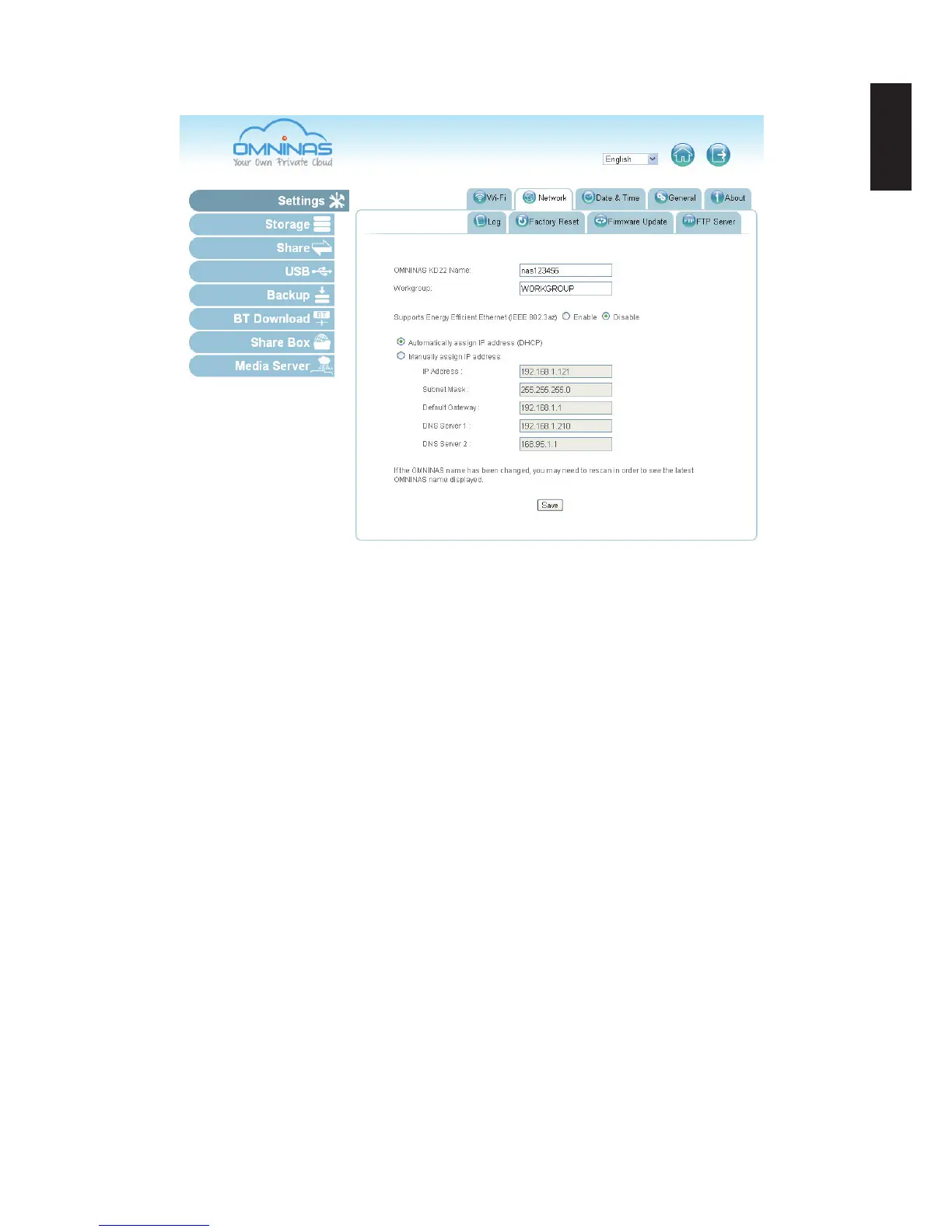
3. Click Save to set the new conguration.
Setting Network Conguration
Static IP Settings (Manual)
Before you begin, write down the new IP address, subnet mask, gateway and DNS settings to
provide you with a reference after the system resets.
1. In Settings, click the Network tab.
2. Click Manually assign IP address to set the IP address.
3. Enter the IP address, Subnet Mask, Default Gateway, and DNS server settings.
4. Click Save to set the new conguration.



 To Next Page