3. Click on the icon to add the device.
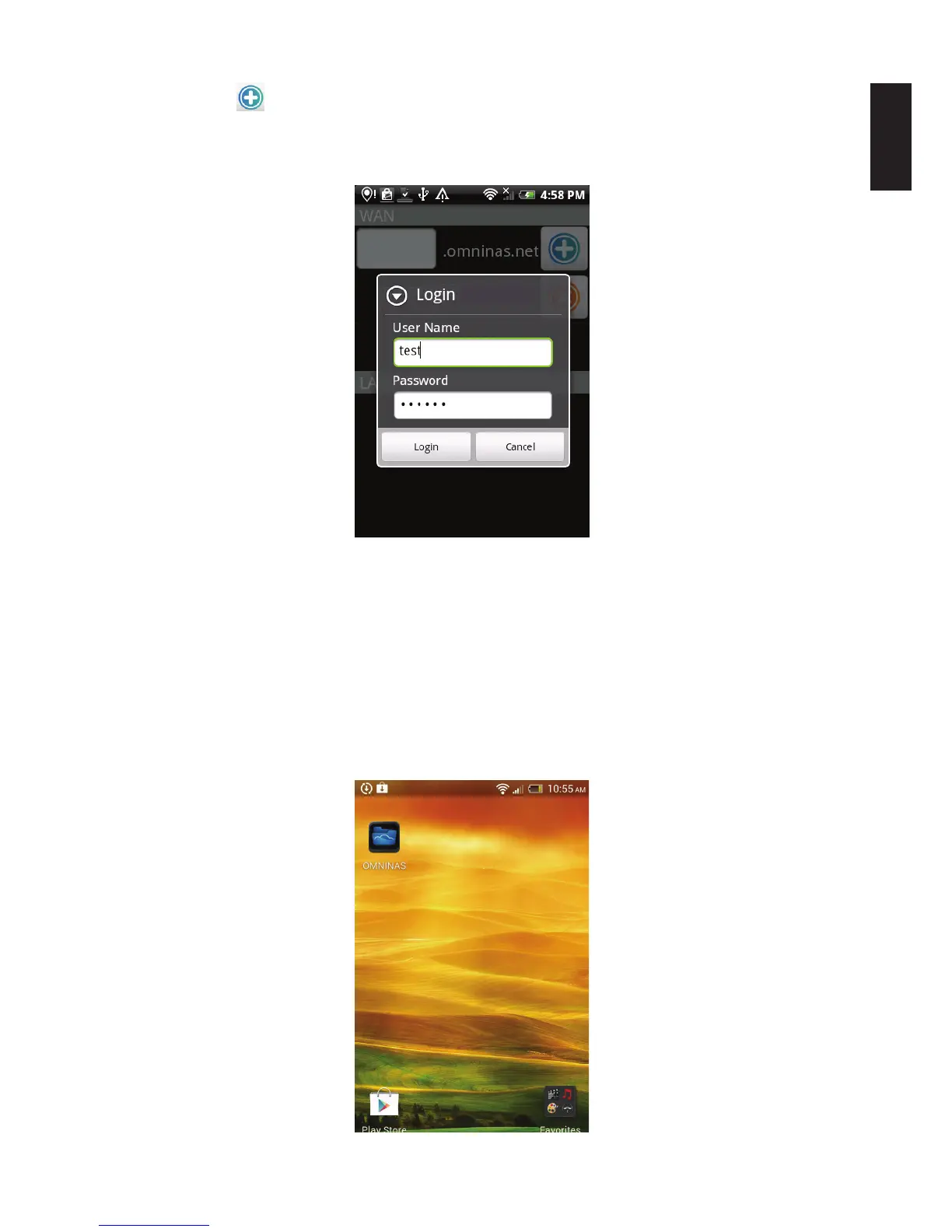
4. The Login screen displays. Enter the user name and password as dened in the Share.
5. Click Login to continue or Cancel to return to the previous menu.
WAN Login
The WAN connection is established giving you access to your OMNINAS.
Adding a LAN Device
Note:
To add a LAN device through the application, you need to connect your OMNINAS through
a switch or router. See Connect to a Switch or Router.
1. Tap OMNINAS on your screen.
Selecting OMNINAS



 To Next Page