Conguring Wi-Fi Settings
The OMNINAS provides wireless connectivity as an Access Point (AP). By setting up the
OMNINAS as an AP, your wireless devices can connect to the OMNINAS.
In the main menu under Settings, click on Wi-Fi to change the wireless network conguration.
This mode is available as an Access Point (AP) for all users under the same subnet group in the
network.
Main features:
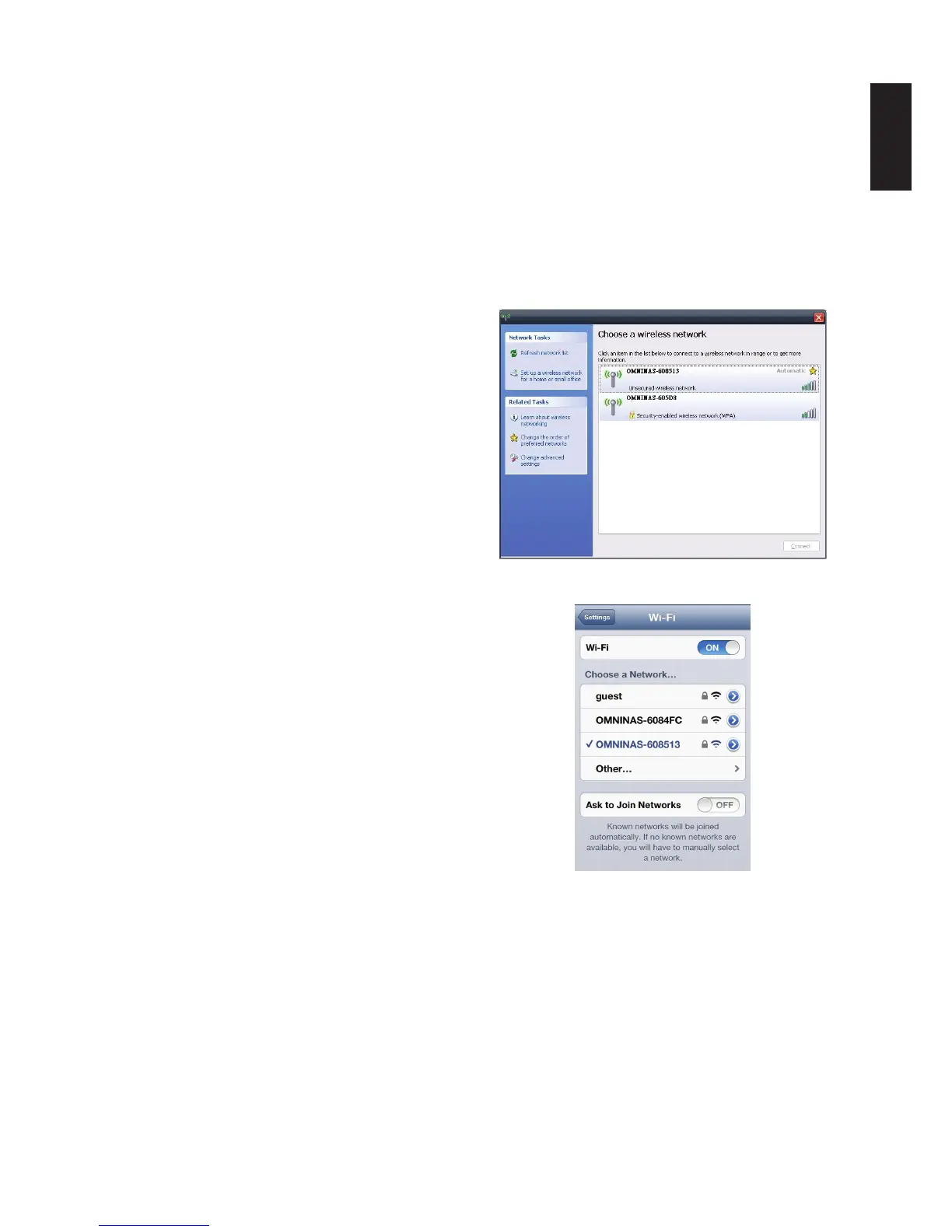
PC/notebook computer users can connect
to Wi-Fi through the OMNINAS AP mode.
Microsoft Windows System
Smartphone users can connect to Wi-Fi
through the OMNINAS AP mode.
iOS device
Wi-Fi Settings
1. Select Settings -> Wi-Fi to access the settings menu.
2. In the Wi-Fi SSID eld, enter a name. This is the name that is broadcast. Select a name
that identies the device.
Note:
Do not enter an SSID name that reveals your identify or location for best security practices.



 To Next Page