EasyManua.ls Logo

Shuttle Omninas KD21 - Opening Document Files

Shuttle Omninas KD21
170 pages
Print Icon
To Next Page IconTo Next Page
To Previous Page IconTo Previous Page
Loading...
English
5-6
oPeninG docuMent Files oMninas For ios
Opening Document Files
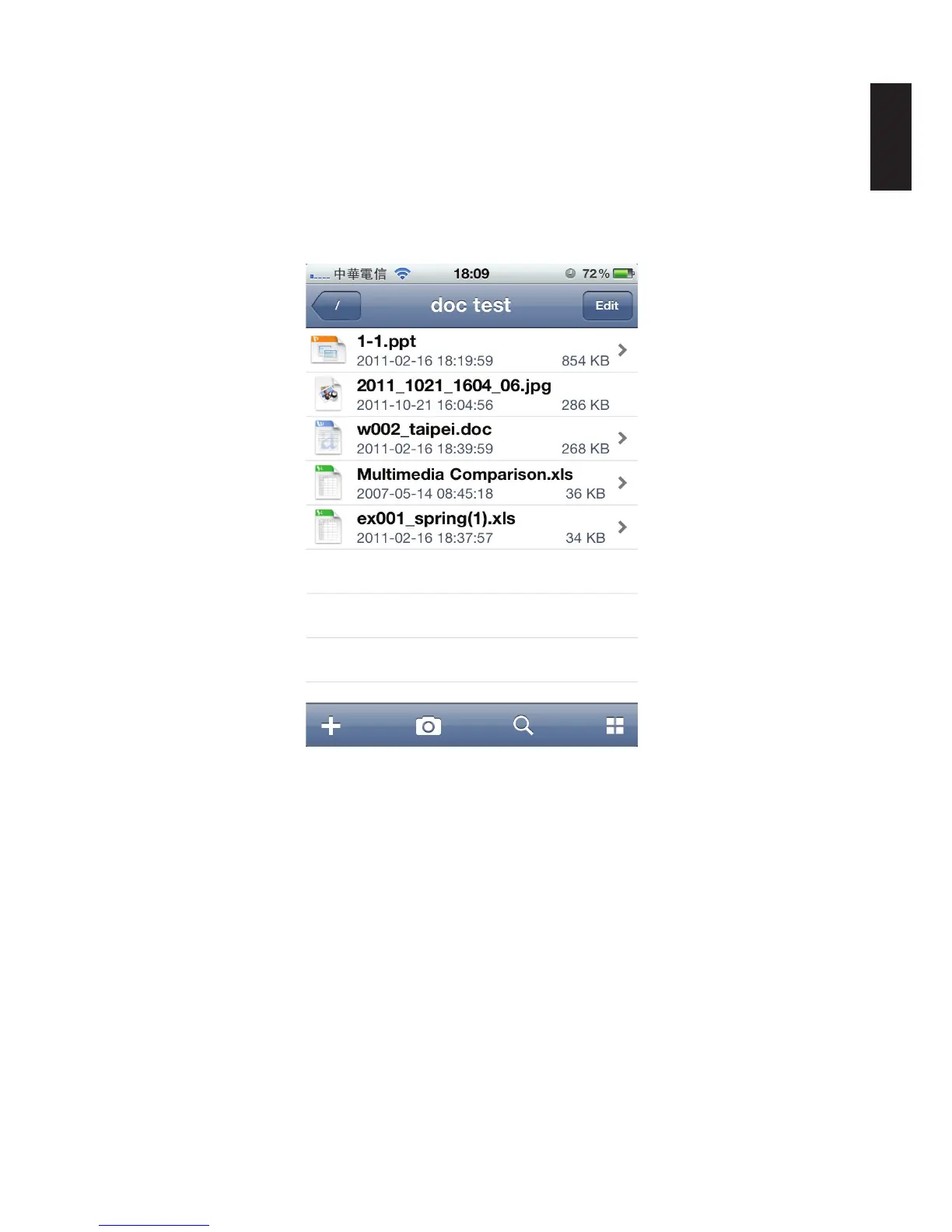
To open any document les:
1. From the NAS List main screen tap on a document le.
2. Tap any sub-folder to view the les if needed.
3. Tap on any le to view automatically.
Opening a Document File
Note:
Clicking on Edit allows you access to Rename, Copy, Move and Download functions.


Table of Contents

Other manuals for Shuttle Omninas KD21

Related product manuals