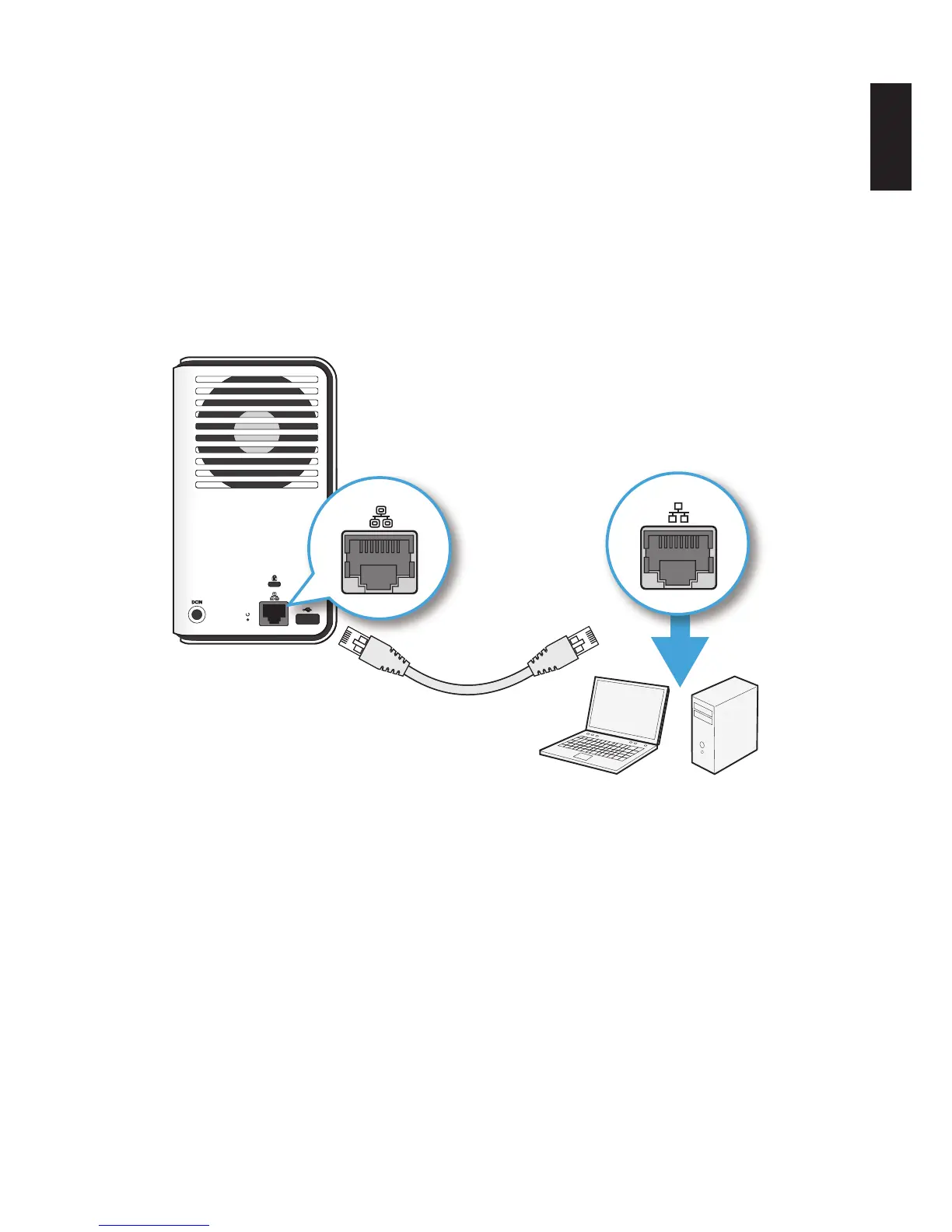
Connect Directly to a PC or Laptop
1. Use OMNINAS default IP settings or set your PC/Laptop’s IP settings to match the network
subnet group of the OMNINAS.
Example:
OMNINAS default IP settings: 169.254.100.200
Or congure your PC to these settings: 169.254.XX.X (Whereas XX represents a number
from 1 to 254, and X represents a number from 1 to 254 other than 200).
2. Connect one end of the LAN cable to the OMNINAS.
3. Connect the other end to your PC, see following gure.
LAN
PCLaptop
LAN
Connecting to a PC/Laptop



 To Next Page