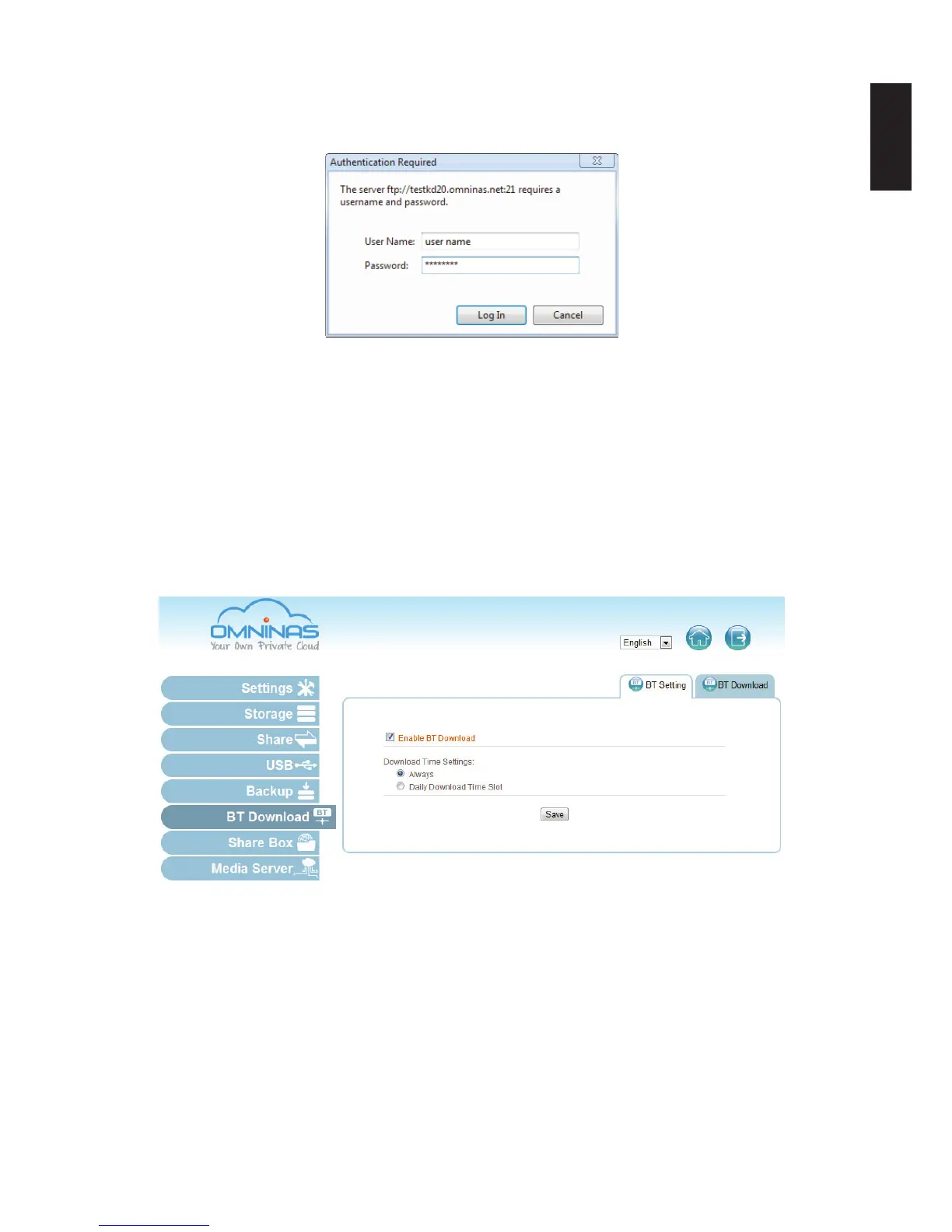
3. If your FTP service requires user authentication, a prompt displays. Type in the user name
and password of an authorized user. See Share -> User List for a listing of authorized us-
ers.
Authentication Request
4. The available shared folders are displayed on your web browser.
BT Download
OMNINAS supports downloading of seed torrents. By using BT Download, you can add tasks
and allow them to download through the OMNINAS.
Setting Up BT Downloads
1. In BT Download, select the BT Setting.
Selecting BT Downloads
2. Check Enable BT Download.
Note:
If you disable BT Download, all downloads will become inaccessible. After re-enabling BT
Download, the downloads list becomes accessible.



 To Next Page