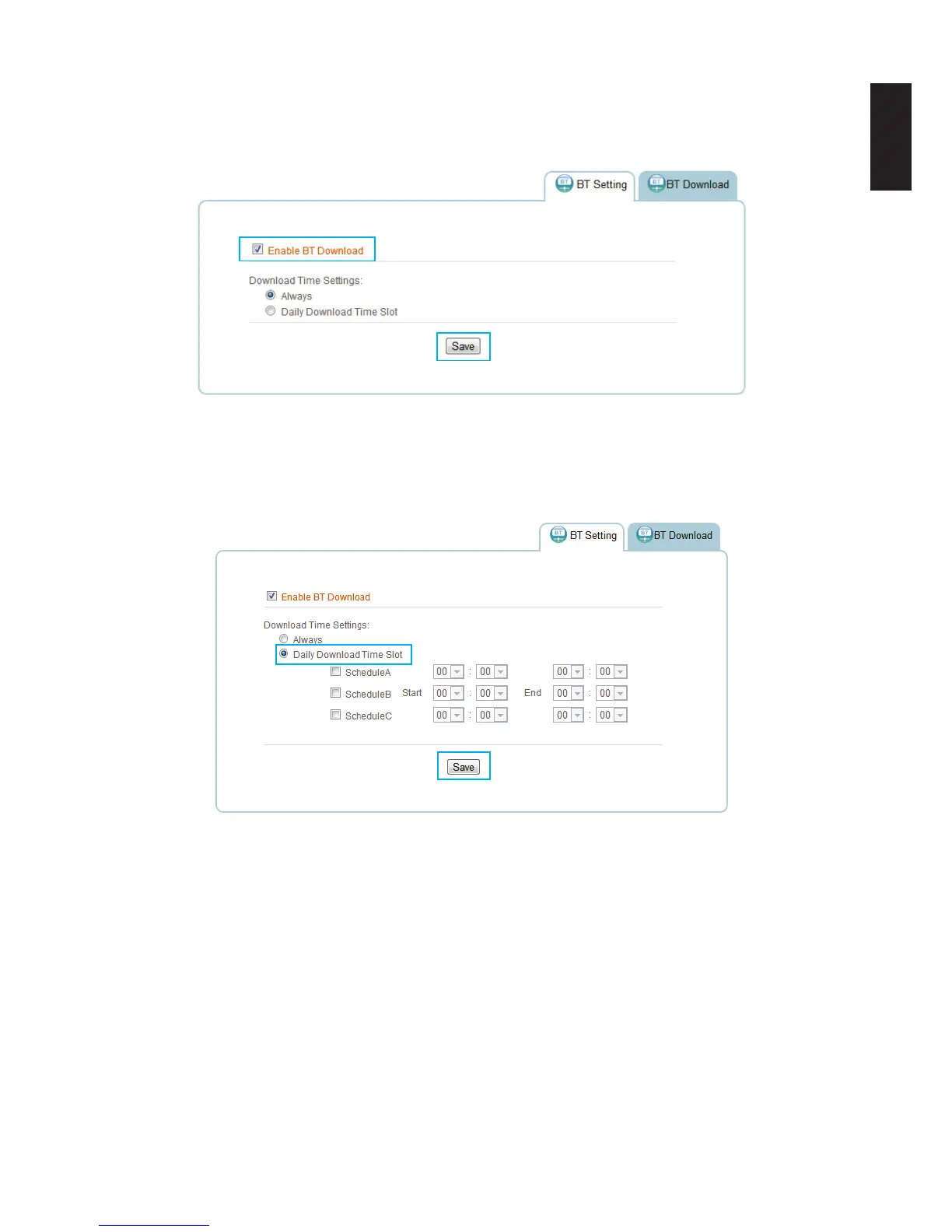
3. In Download Time Setting, select the option (Always/Daily Download Time Slot) to desig-
nate when downloading can take place.
Always: downloading can begin anytime.
Enabling BT Downloads
Daily Download Time Slot: downloading can only take place during the designated time
slot. Select between from ScheduleA, ScheduleB, and/or ScheduleC to setup the start and
end time for downloading to take place.
Enabling BT Downloads
4. Select a specic time period and click Save to keep changes.
Before beginning downloads, you can congure the settings for BT Download.



 To Next Page