Editing Users
Editing a User
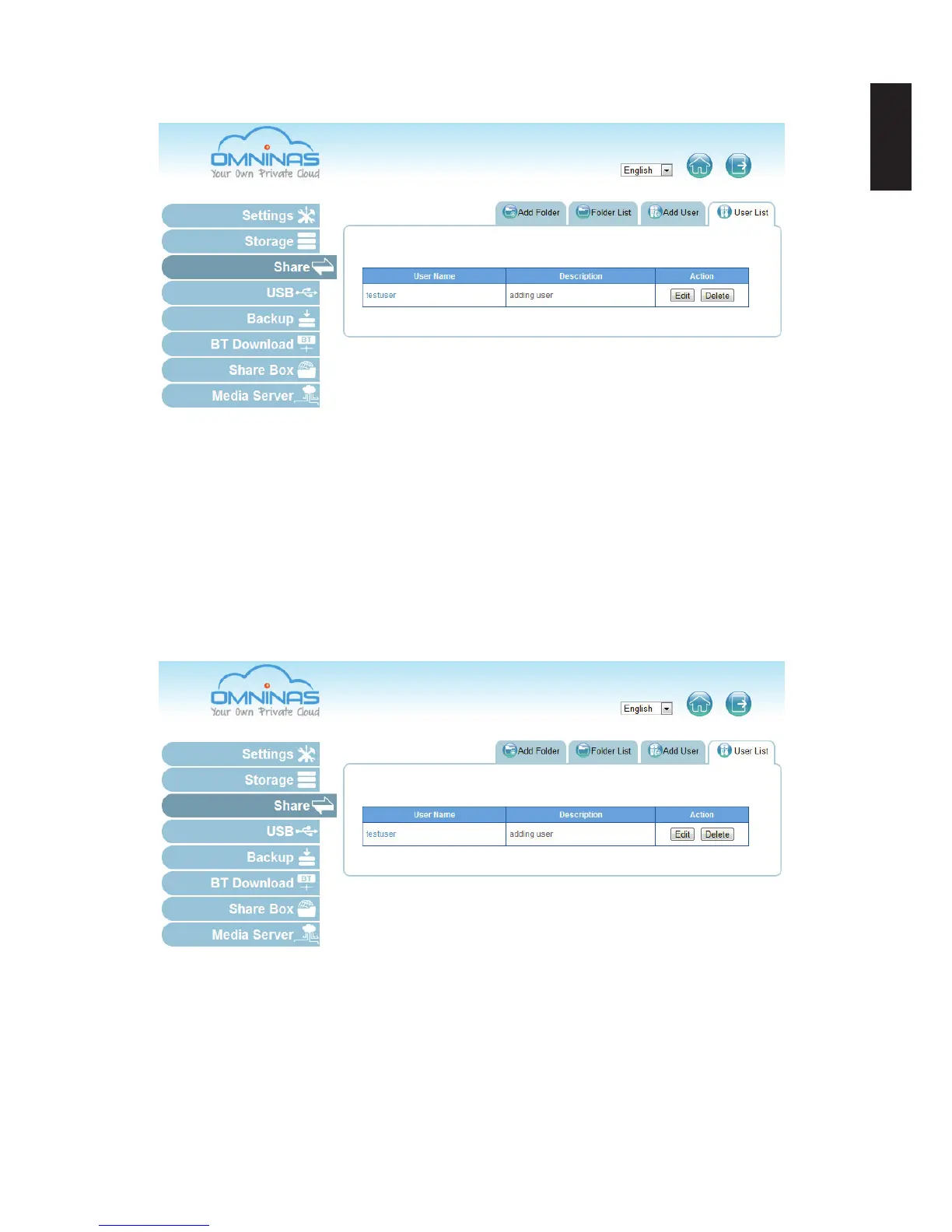
1. Click the User List tab to view a list of available users.
2. Select a user and click Edit to modify. A prompt displays, edit the desired elds.
3. Click Save to complete changes or Cancel to go back to the User List.
Note:
User names cannot be modied.
Deleting Users
Deleting a User
1. Click the User List tab to view a list of available users.
2. Select a user and click Delete to remove the user.
A conrmation prompt displays.
3. Click OK to delete or Cancel to go back to the User List.



 To Next Page