Replacing a Drive
For RAID modes Single, JBOD, RAID 0, and RAID 1, you can replace disks by shutting down the
device.
IMPORTANT:
The formatting process deletes any data on the disk. Make sure you backup your data be-
fore proceeding. Do not power off or reboot the system to prevent damage.
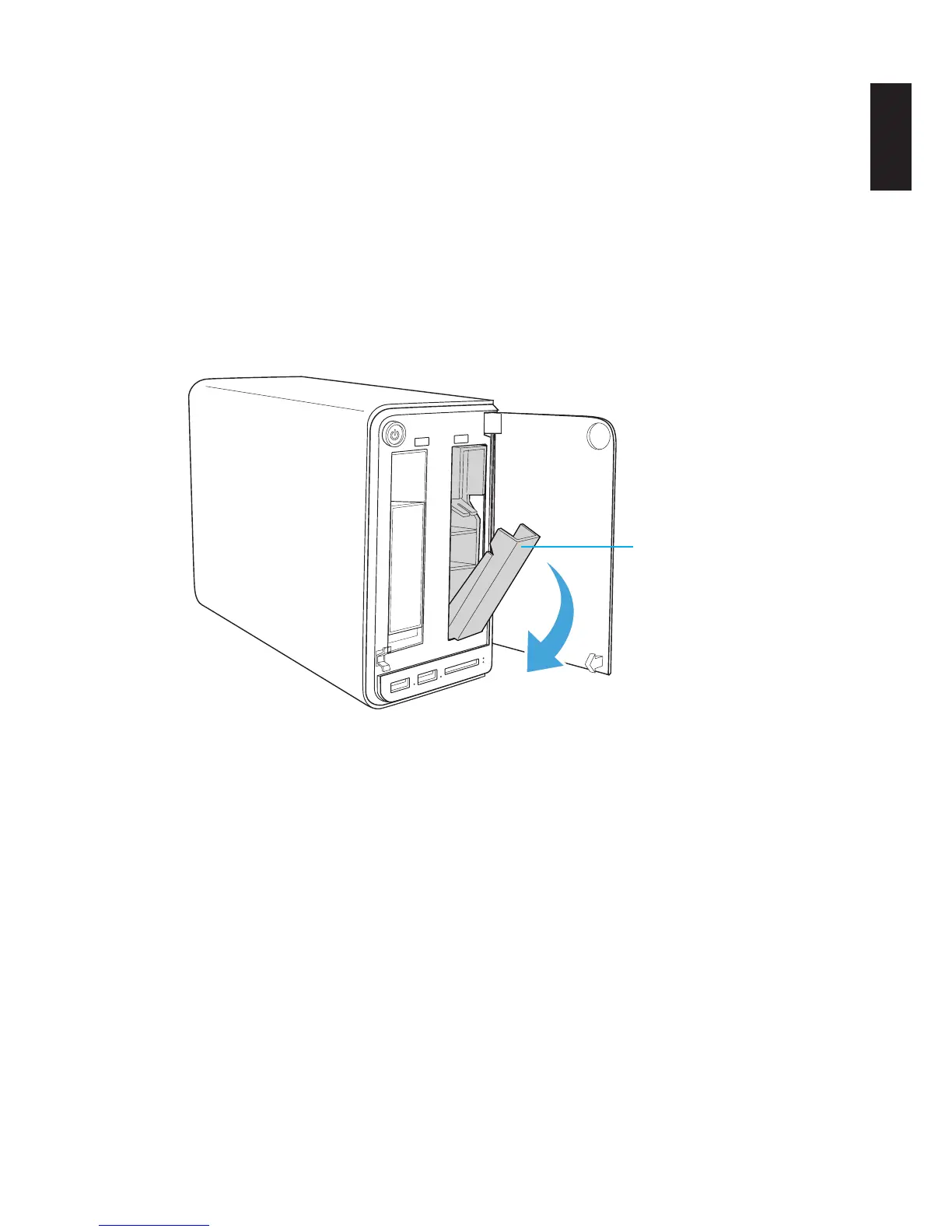
1. On the bay cover, press in the indicator to open the cover. The cover pops open.
2. Extend the cover to allow access to the HDD trays.
3. Pull the tray release to unlock the hard disk tray. The HDD slides out if undocked.
Tray release
HDD1 Tray Released
4. Grasp the tray and slide it out of the bay.



 To Next Page