Viewing Photo Files
To open any photo les:
1. From the NAS List main screen tap on the Pictures main le.
2. Tap any sub-folder to view the les if needed.
3. Tap on any le to view a photo automatically one by one.
4. Tap See All to view all photos. Tap Done to view photos one by one.
5. Tap the le name on the upper left screen to return to le folder.
6. Tap slash [ / ] to return to NAS List.
Posting to Facebook
To post a photo on Facebook:
Note:
Facebook account required.
1. From the NAS List screen, select your device and tap to login.
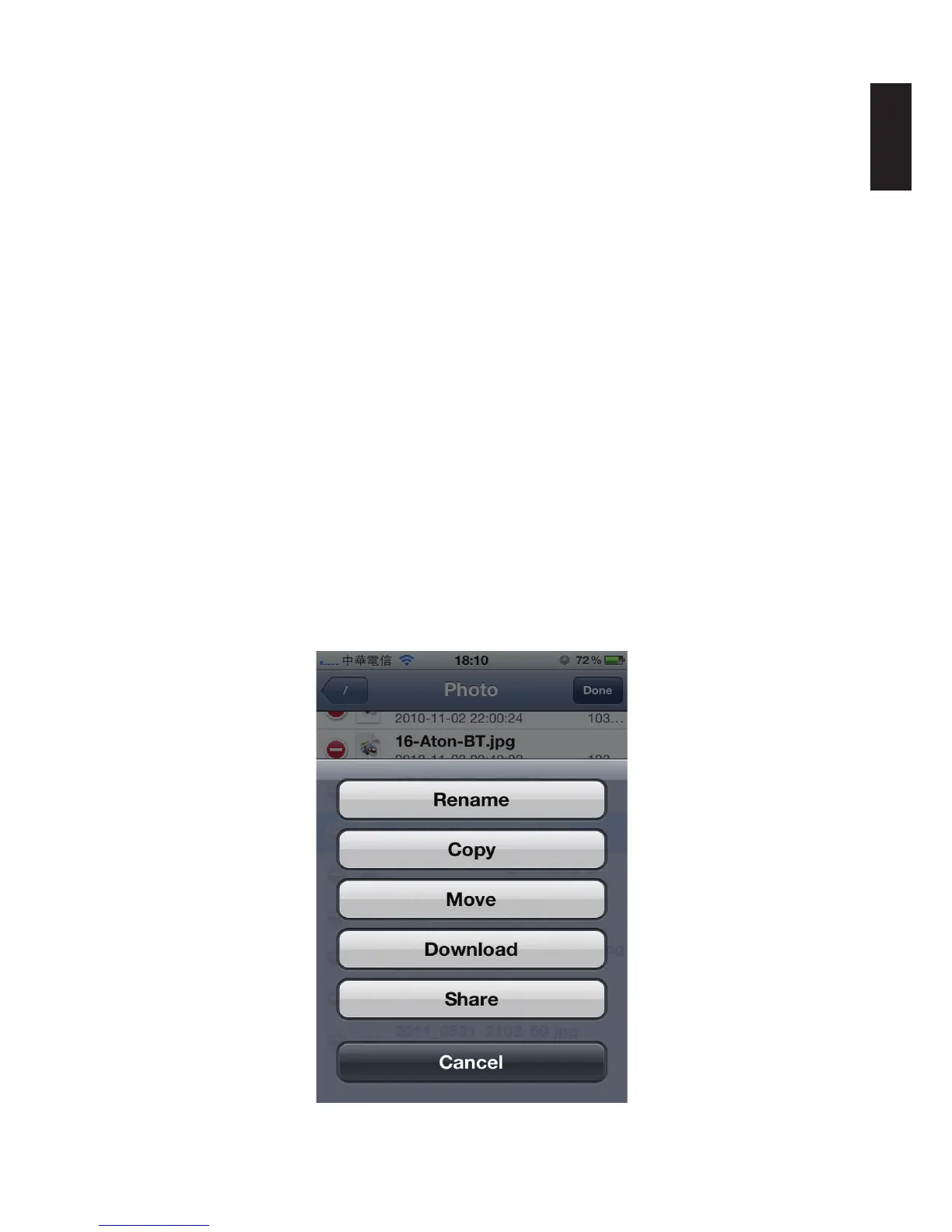
2. Tap Edit on the upper screen. A red circled icon appears next to each photo le. Select and
tap on a photo le.
3. Select the image to use.
4. A menu screen opens, tap Share.
Sharing Photos



 To Next Page