System Initialization
Linux users go to Connecting by Web Browser to continue the setup process.
Windows and Mac users follow the information provided in the following section to continue the
setup process.
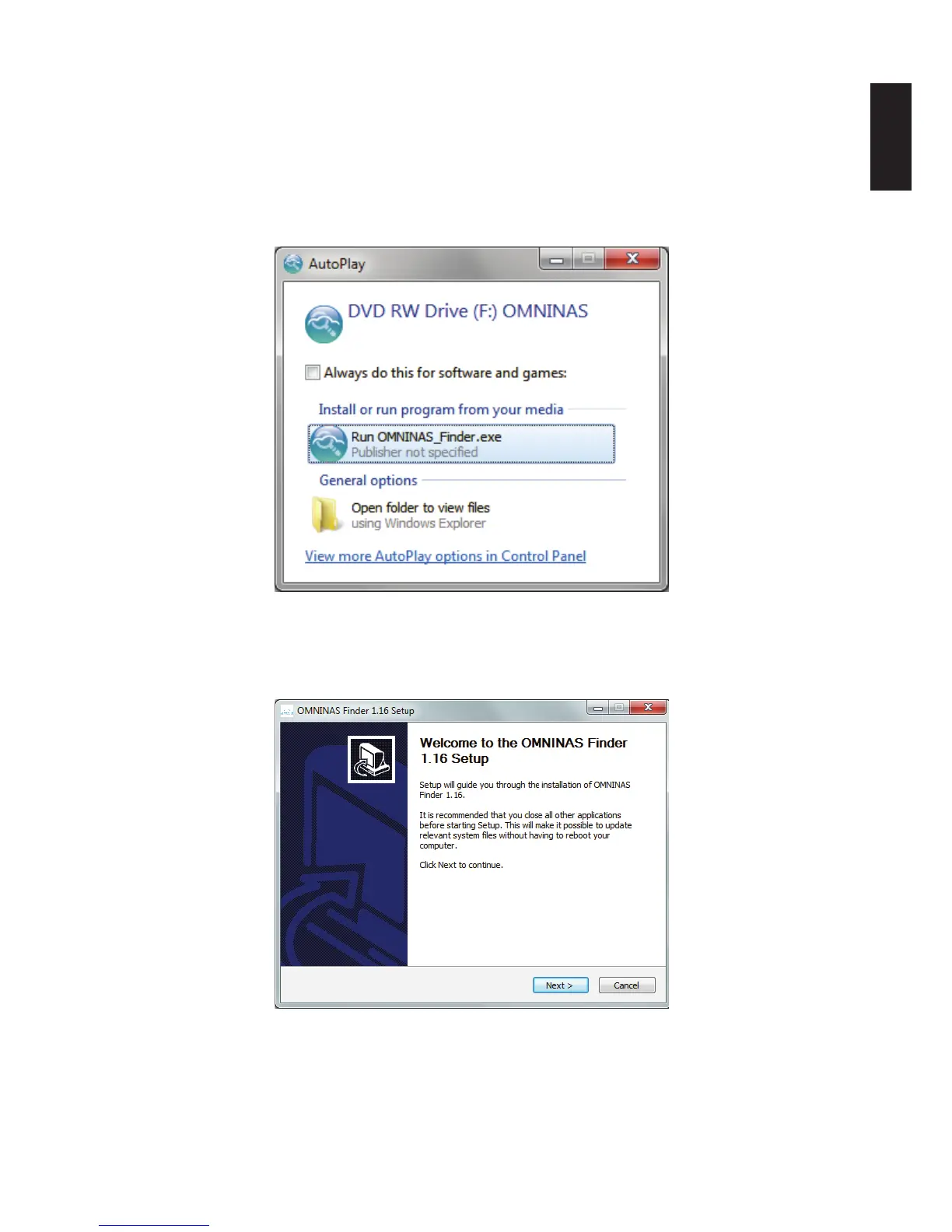
1. Insert OMNINAS CD-ROM into your CD drive. A prompt displays.
AutoPlay Prompt
2. Click Run OMNINAS Finder.exe to open the Finder application.
The Welcome prompt displays.
Welcome Prompt
3. Click Next to continue the installation.
4. Click the Browse button to select the installation location.



 To Next Page