5. Click Install to continue.
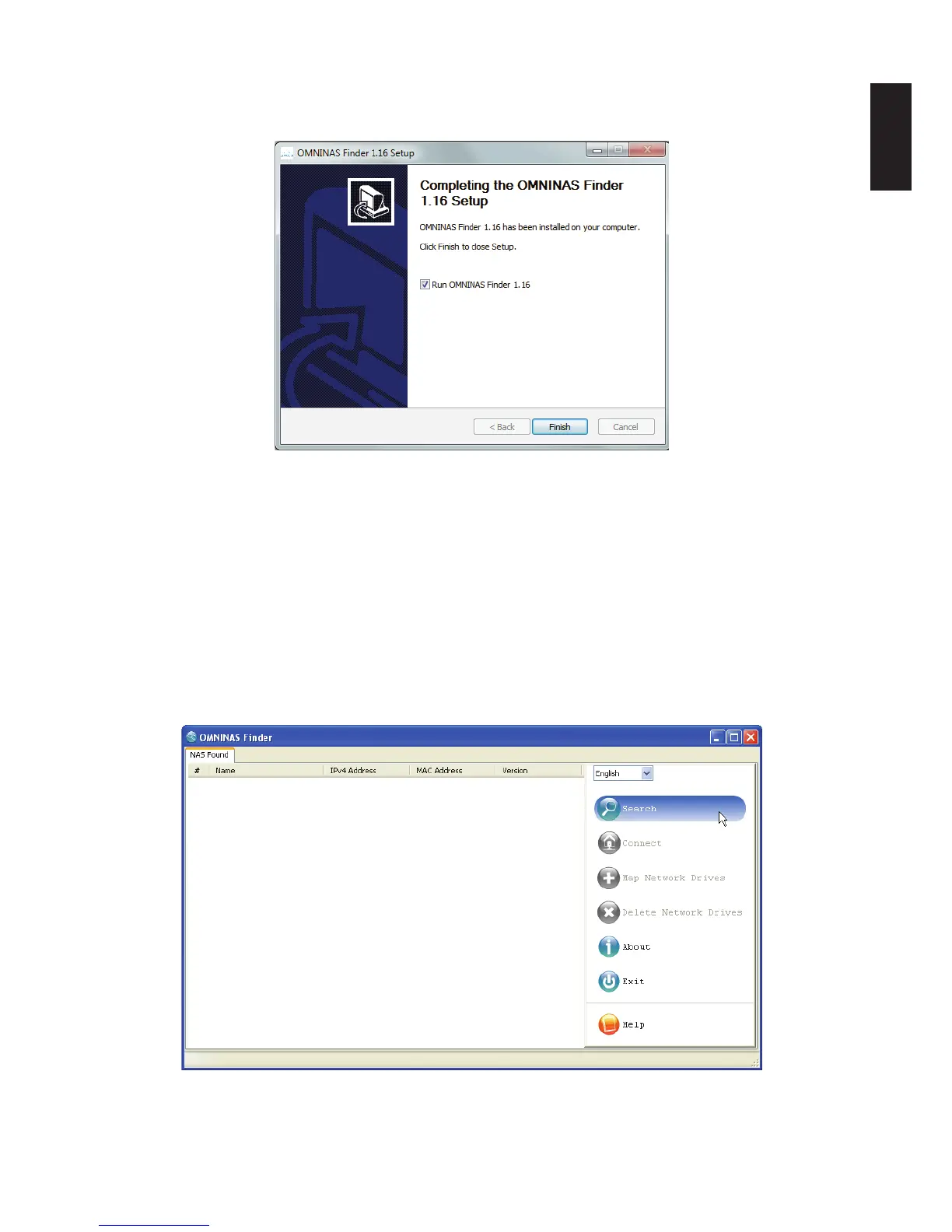
When the installation is complete a nal setup screen displays.
Completing the Installation Setup
6. Click Finish to exit the installation setup.
The OMNINAS Finder window displays.
Note:
Unless your computer system’s language setting is detected, the default language setting
is English.
The OMNINAS Finder application starts and displays all the detected devices within your
network subnet.
7. Click Search to scan for available devices.
OMNINAS Finder Utility Search Function



 To Next Page