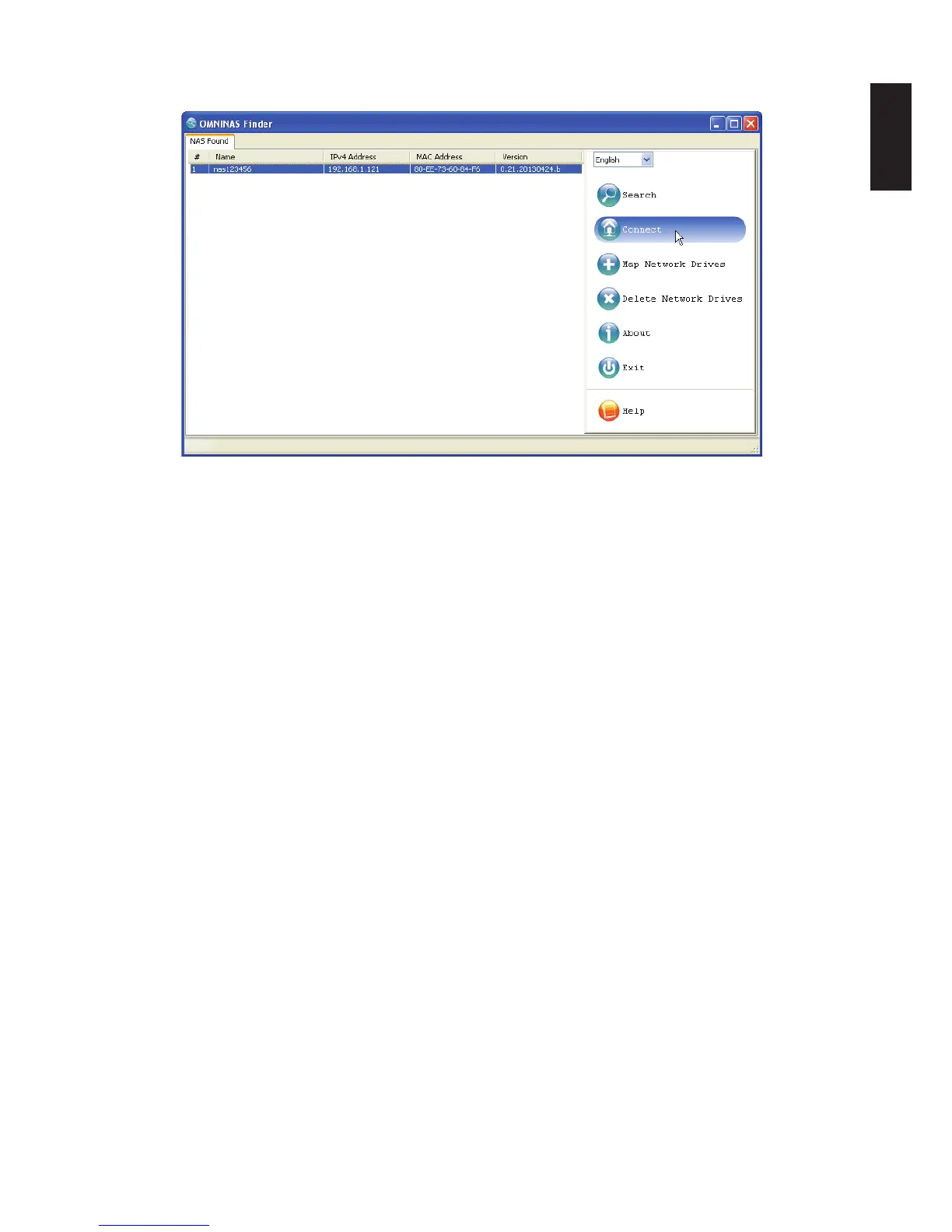
8. Select a device and click Connect.
Finder Utility Connect Function
Note:
The System Initialization screen only displays if new or unformatted HDDs are installed.
All OMNINAS devices available within your subnet group are displayed in the OMNINAS
Found tab.
Note:
If only one device is detected by Finder, the device’s web interface automatically display.
Note:
In the event that your device is not detected, open a browser window and type the default
IP address (169.254.100.200) in the browser’s address bar. The OMNINAS Wizard prompt
displays.
The Wizard is provided to guide you through the necessary steps in order to initialize your
OMNINAS device.



 To Next Page