Connecting to Your OMNINAS
Adding a Remote Device
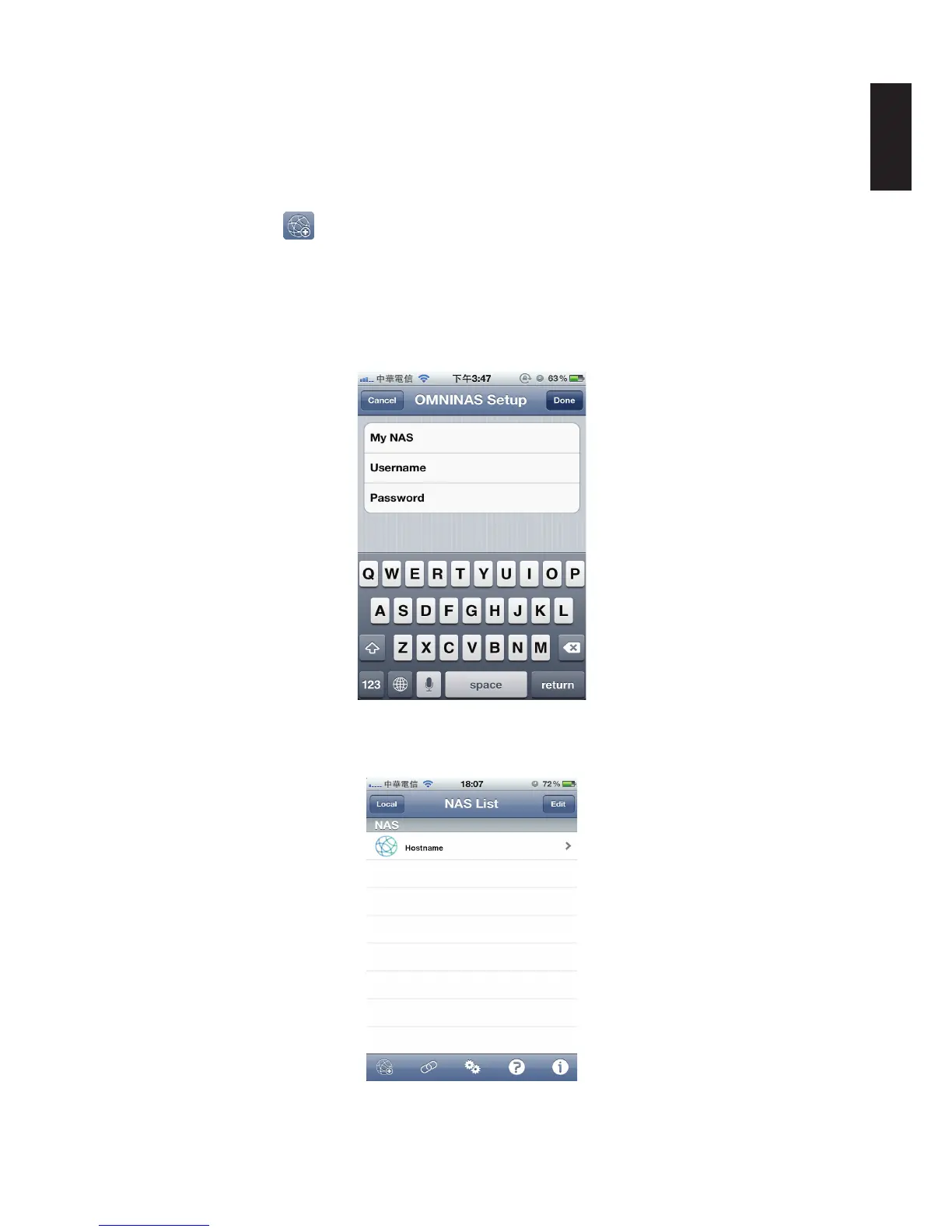
To change Remote Link Setup settings from the NAS List main screen:
1. Tap Remote Link
at the screen bottom.
2. In My NAS, enter the host name as registered in Share Box Services.
3. Username/Password: registered name/password as a dene user prole.
4. Enter the user name and password, registered name and password for a dened user prole.
5. Tap Done to add the device. You can Cancel to return to the NAS List.
Adding a Remote Device
The added remote device displays in the NAS list.
Available Remote Connections



 To Next Page