Creating a Private Folder
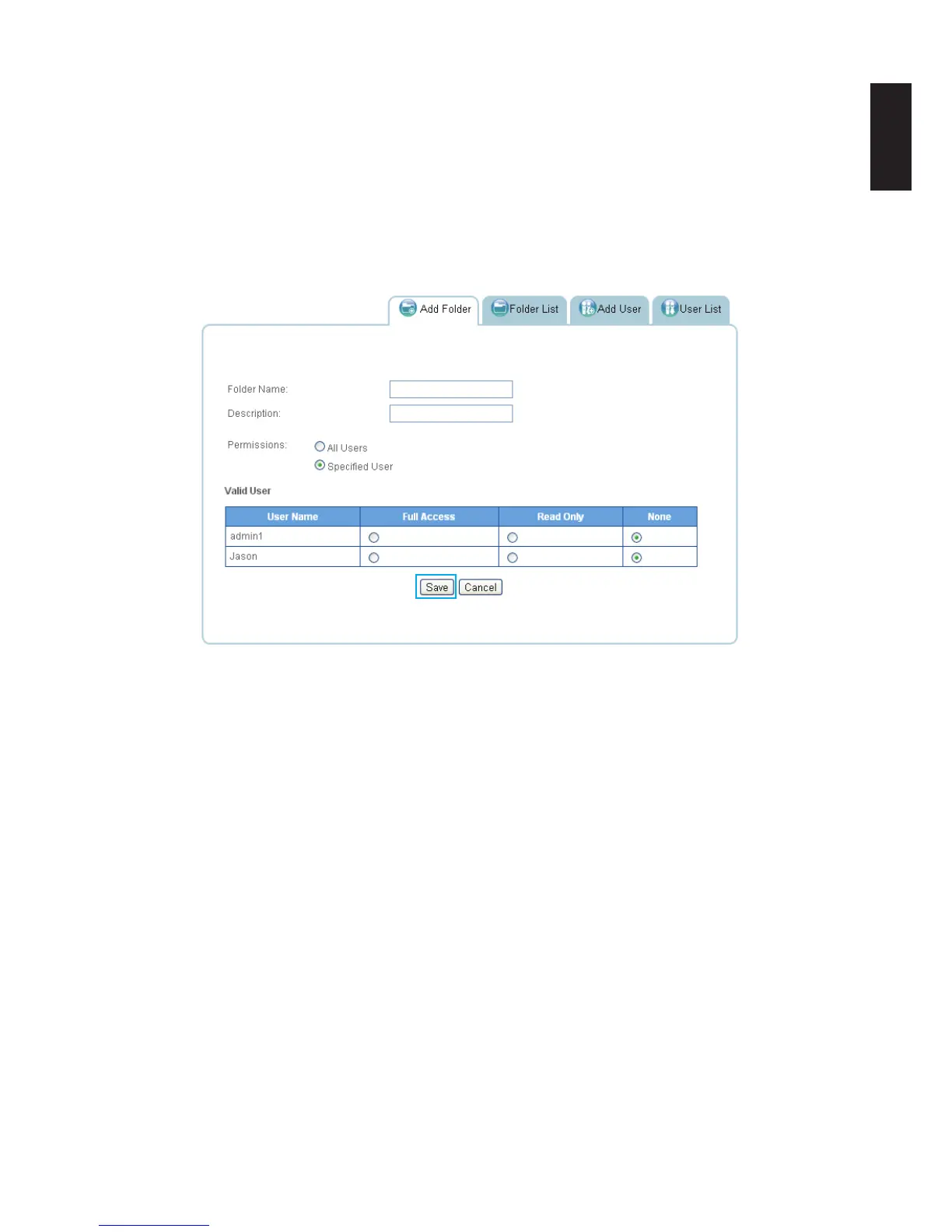
To create a Private folder:
1. In Share, click on Add Folder tab.
2. Enter a folder name and description.
3. Click Specied User under Share Access.
4. Choose the level of access for each user.
Adding a Private Folder
5. Click Save.
You are automatically redirected to the Folder List and the new folder appears.
Note:
Private folder priviledge settings: None (default). The private folder settings apply to all
functions including mapped drives, Share Box and iOS/Android APP software.
Android users refer to Accessing a Private Folder.
iOS users refer to Accessing a Private Folder.



 To Next Page