Deleting Folders
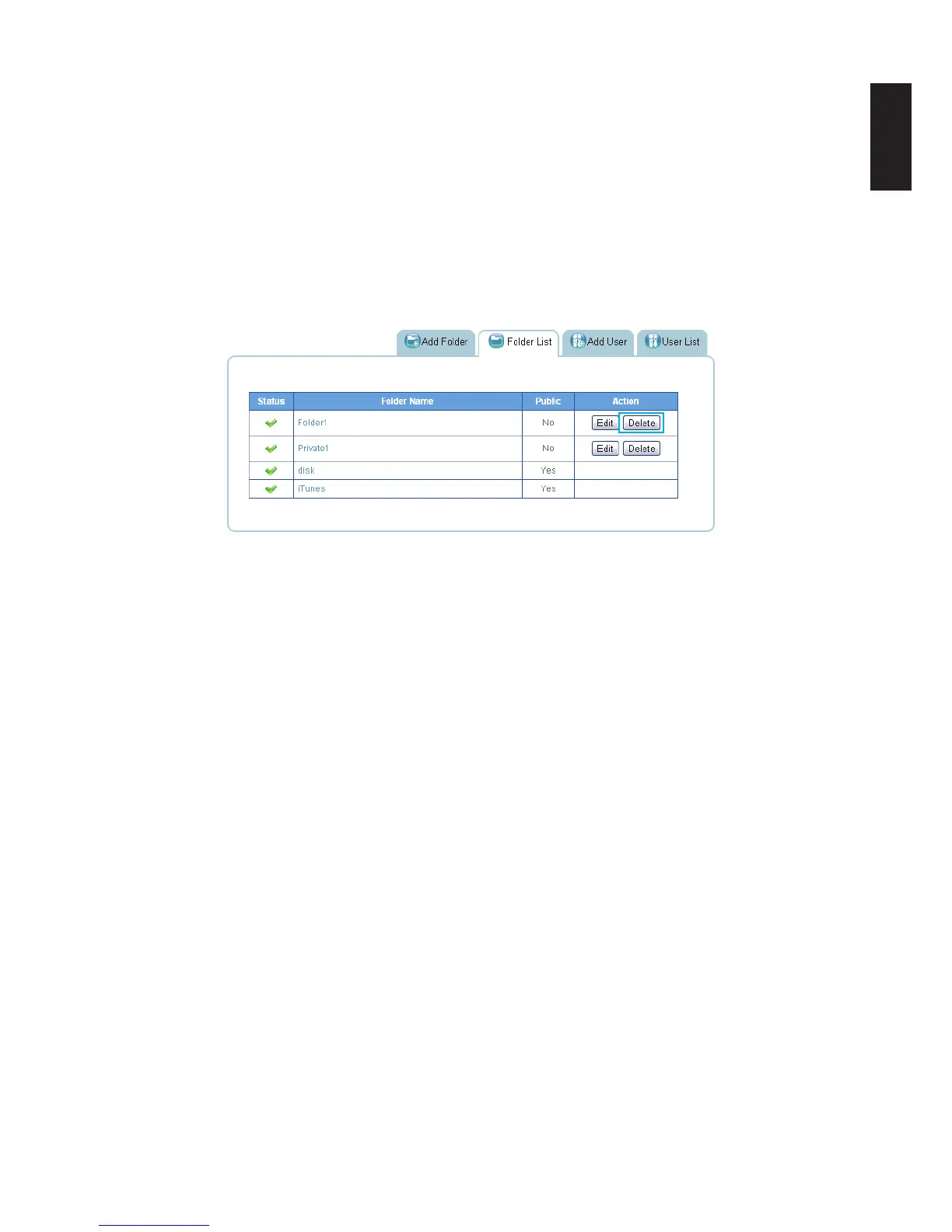
Public and private folders can be deleted from the folder list. System default folders are perma-
nent and are not available for deletion.
IMPORTANT:
Once a folder is deleted the data stored within the folder is deleted as well. After deletion,
creating folder of the same name will not restore the lost data.
1. In the Folder List tab, select a folder and click Delete.
Deleting Available Folder
2. A prompt displays, click OK to continue or Cancel to return to Folder List.
3. A conrmation prompt displays, click OK to continue or Cancel to return to Folder List.
4. The system beeps and returns to the Folder List screen. The folder is deleted.



 To Next Page