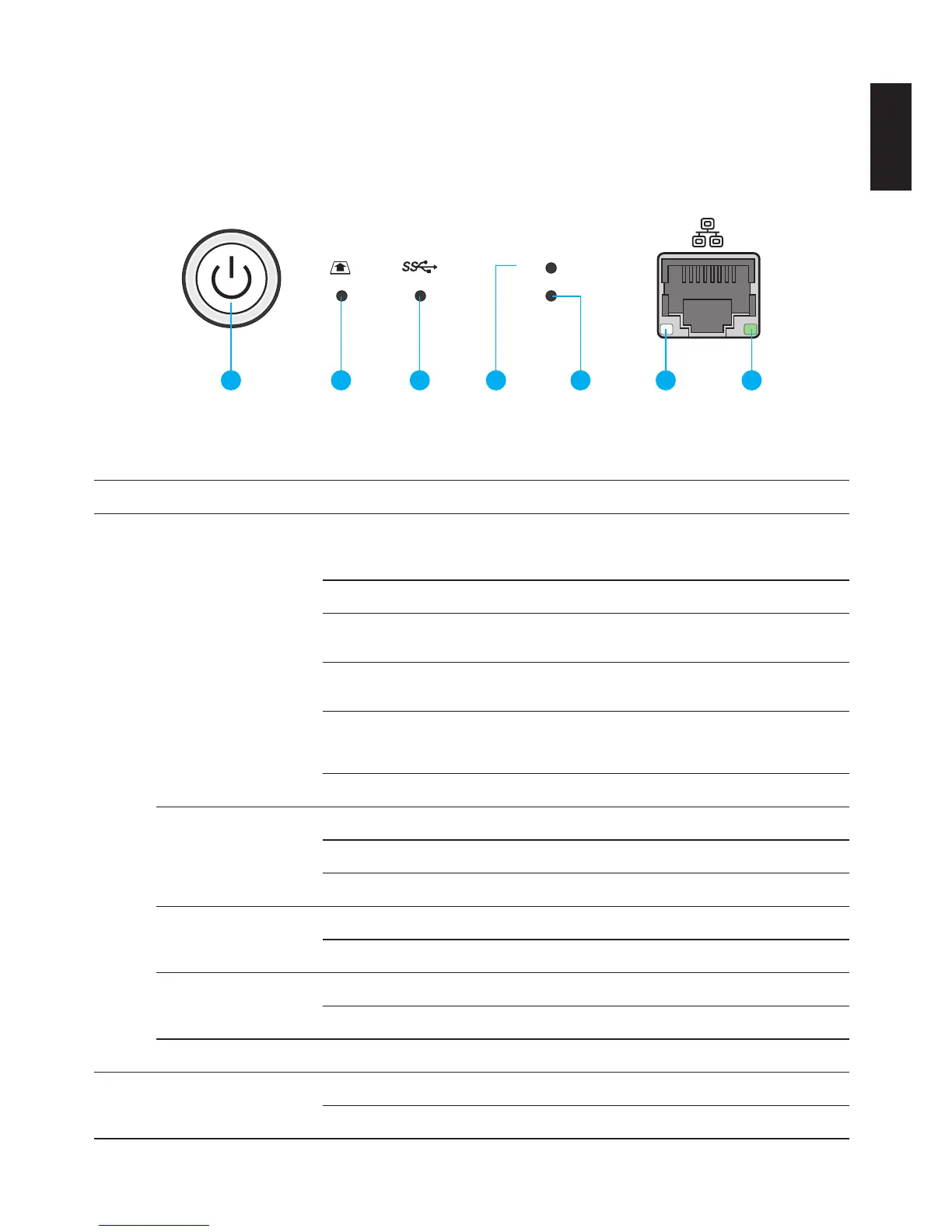
LED Denitions
The OMNINAS comes with six LED indicators (ve in front and one in back). See the following
table for behavior and location descriptions.
2
1
1 2 3 4 5 6 7
(Rear)
LED Indicators on Front Panel
LED Denitions
1
Status LED
Blue / Blinking / Audible Beep
System in booting sequence
System in shut down sequence, audible
beep x 1
Blue / Solid on / Audible Beep System boots successfully, powered on
Red / Blinking / Audible Beep
System fails to boot
Audible beep x 3
Red / Blinking / Audible Beep
System fails to acquire IP address
Audible beep x 3
Blue / Pulsing
System in power savings mode. Power
saving time setting is adjustable in Set-
tings | General menu.
Off
Web UI LED status
Blue / Blinking Web UI in booting sequence
Blue / Solid on / Audible Beep Web UI is available
Red / Blinking / Audible Beep Web UI failure, audible beep x 3
Backup status LED
Blue / Solid on / Audible Beep Backup successful, audible beep x 3
Red / Blinking / Audible Beep Backup failure, audible beep x 3
Auto copy status LED
Blue / Solid on / Audible Beep Copy successful, audible beep x 3
Red / Blinking / Audible Beep Copy failure, audible beep x 3
Reset status Blue / Blinking / Audible Beep Reset in progress, audible beep x 1
2 SD card status
Blue / Blinking / Solid on Active, auto copy access
Off



 To Next Page