Auto Mirror
Display current RAID mode.
Enable or disable the auto mirroring function, available only in RAID 1 mode.
Disk Manager
Displays disk information and status (active, failed, mirroring and mount or un-
mount an external drive) for all internal or external (USB) drives.
Displays the available disk capacity.
Scan, repair, and format system disks.
Mount, unmount, and format external devices.
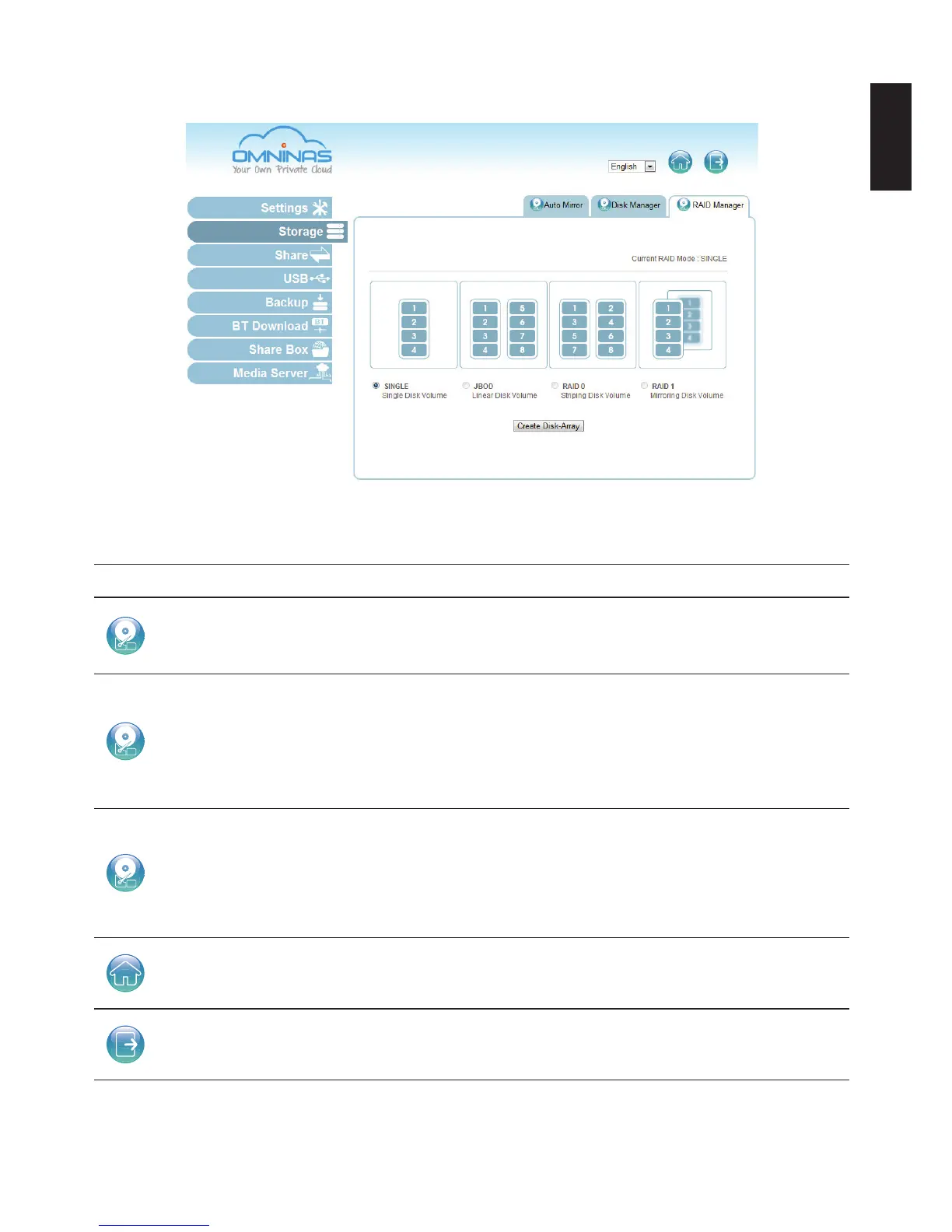
RAID Manager
Displays current RAID mode and set RAID mode type: single, JBOD, RAID 0, or
RAID 1.
Note:
Only RAID 1 provides auto mirroring function.
Home Click to return to the Home menu.
Logout Click to log off the current user.



 To Next Page