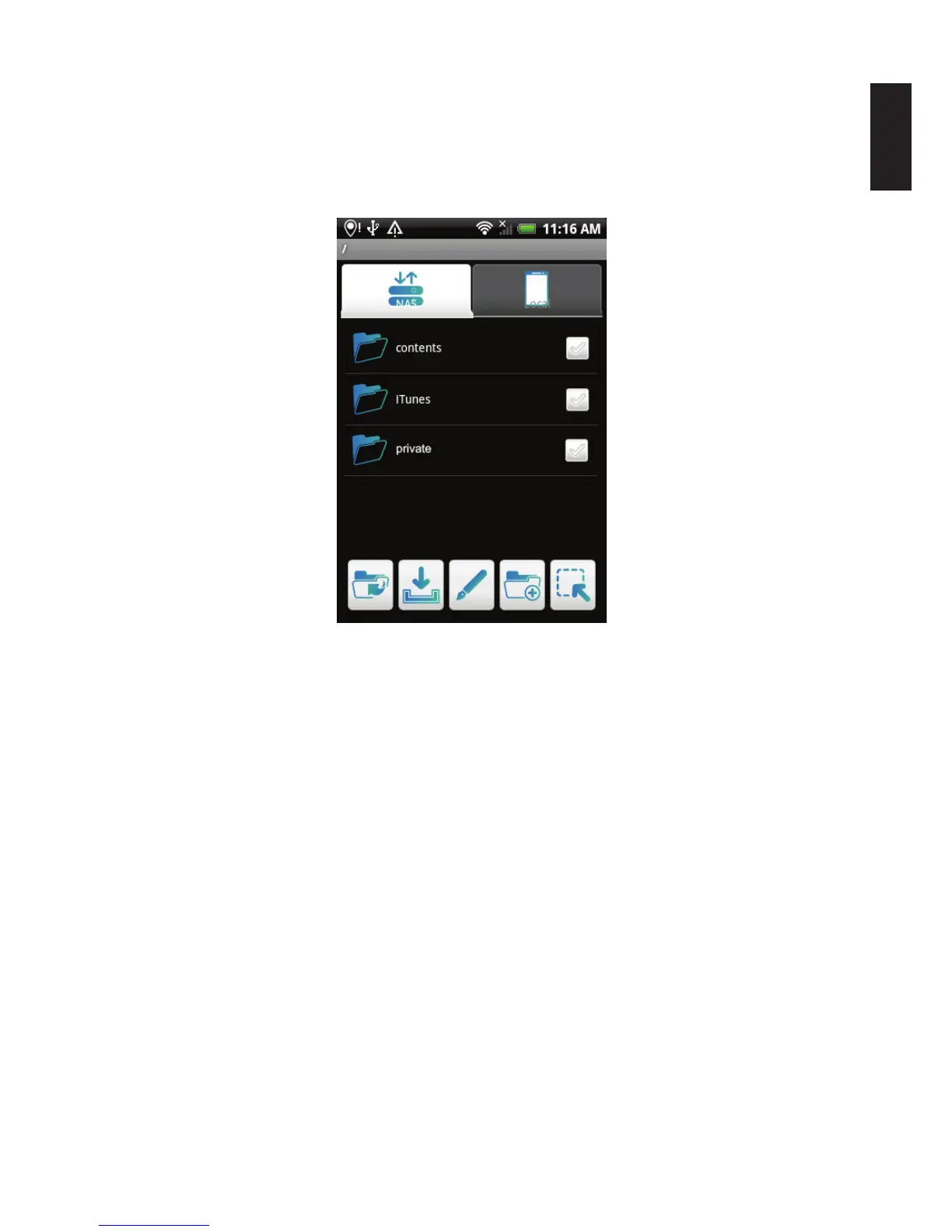
Accessing a Private Folder
1. Open the Connection screen and select the NAS device.
2. Tap on the private folder in the list to open it.
3. Tap on a le in the private folder to access it.
Accessing a Private Folder
Note:
You must create the folder and assign the security permissions in the web interface before
accessing the folder from the mobile application.



 To Next Page