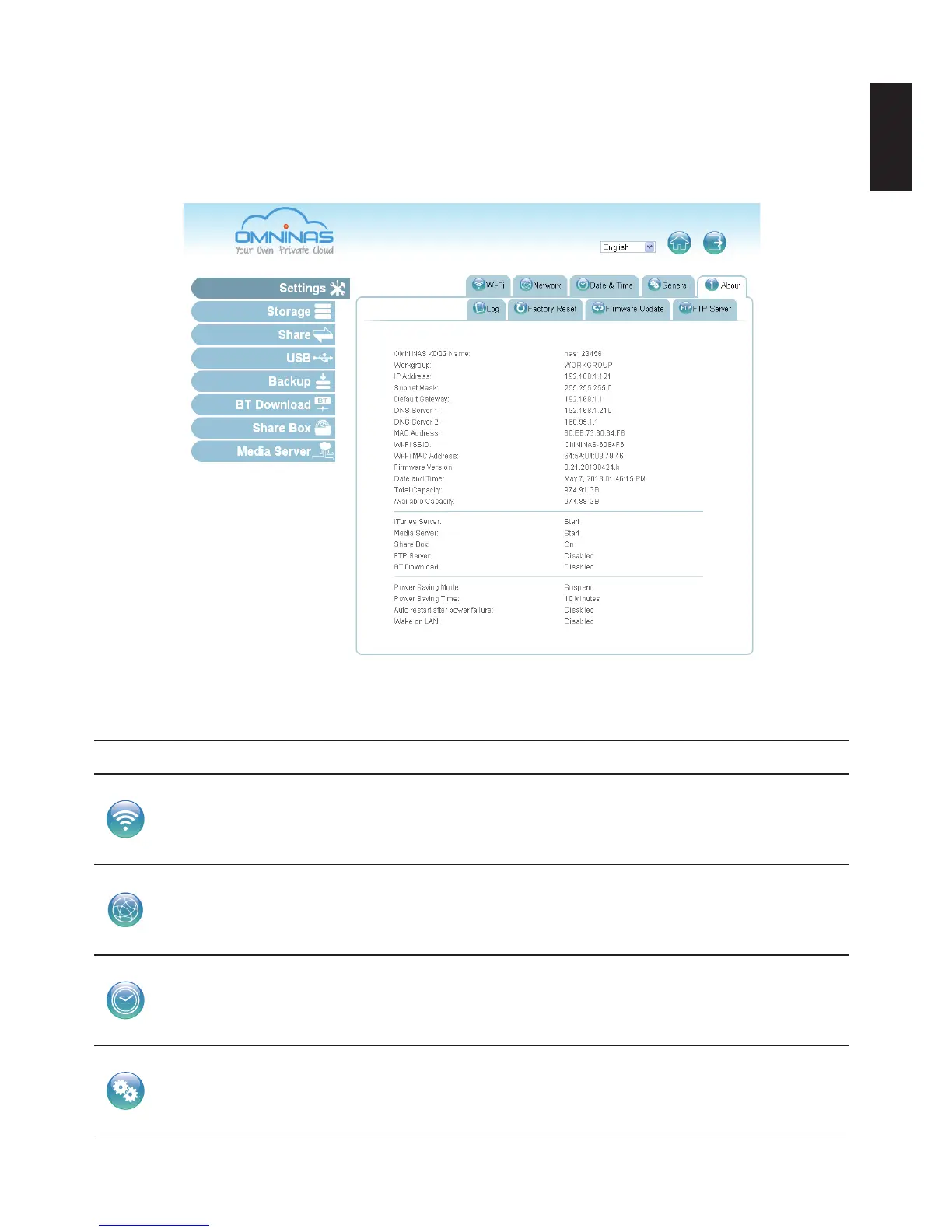
Settings Menu
The Settings menu includes access to Wi-Fi, Network, Date & Time, General, About, Log, Facto-
ry Reset, Firmware Update, and FTP Server. You can use the Interface to congure your settings
from a local or remote location in LAN.
Settings Menu
Settings Menu Settings
Wi-Fi
The OMNINAS provides wireless connectivity as an Access Point (AP). By set-
ting up the OMNINAS as an AP, your wireless devices can use the OMNINAS to
connect to the Internet WiFi function supports a variety of encryption standards
including the following: WPA2.
Network
Set device name, assign a workgroup, set to DHCP or manually assign an IP ad-
dress.
Date & Time
Set the time zone, assign a network time server, or set your date time settings to
mirror your browser.
General
This General function allows you to set the administrator password, congure
power savings through Power Management and setup an automatic power on/off
schedule.



 To Next Page