OMNINAS Wizard
The OMNINAS Wizard is your guide to initializing and setting up your OMNINAS device.
IMPORTANT:
The initialization process erases all data from the hard drive. Do not power down the
OMNINAS during initialization to prevent damage to the system.
To initialize your OMNINAS:
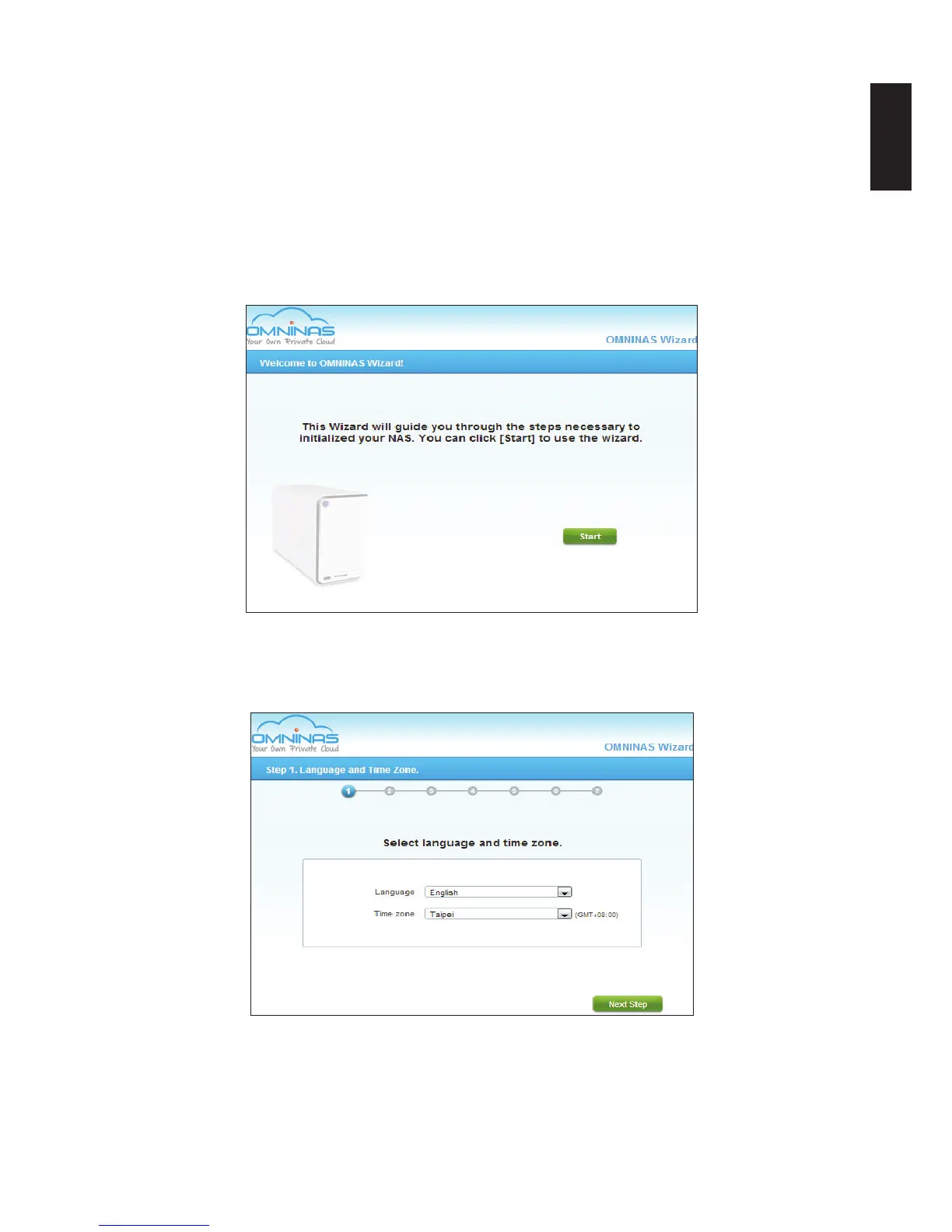
1. In the OMNINAS Wizard prompt, click Start. There are seven steps to follow.
Welcome to OMNINAS Wizard Prompt
2. Select the language and time zone from the drop-down menus.
3. Click Next Step.
Language and Time Zone Prompt
4. In the Administrator Account prompt, type in a password for the the admin account.
It is advisable to use a strong 8-character or longer password that uses a combination of
Upper, Lower and special characters to increase the security protection for your OMNINAS.



 To Next Page