Logging In
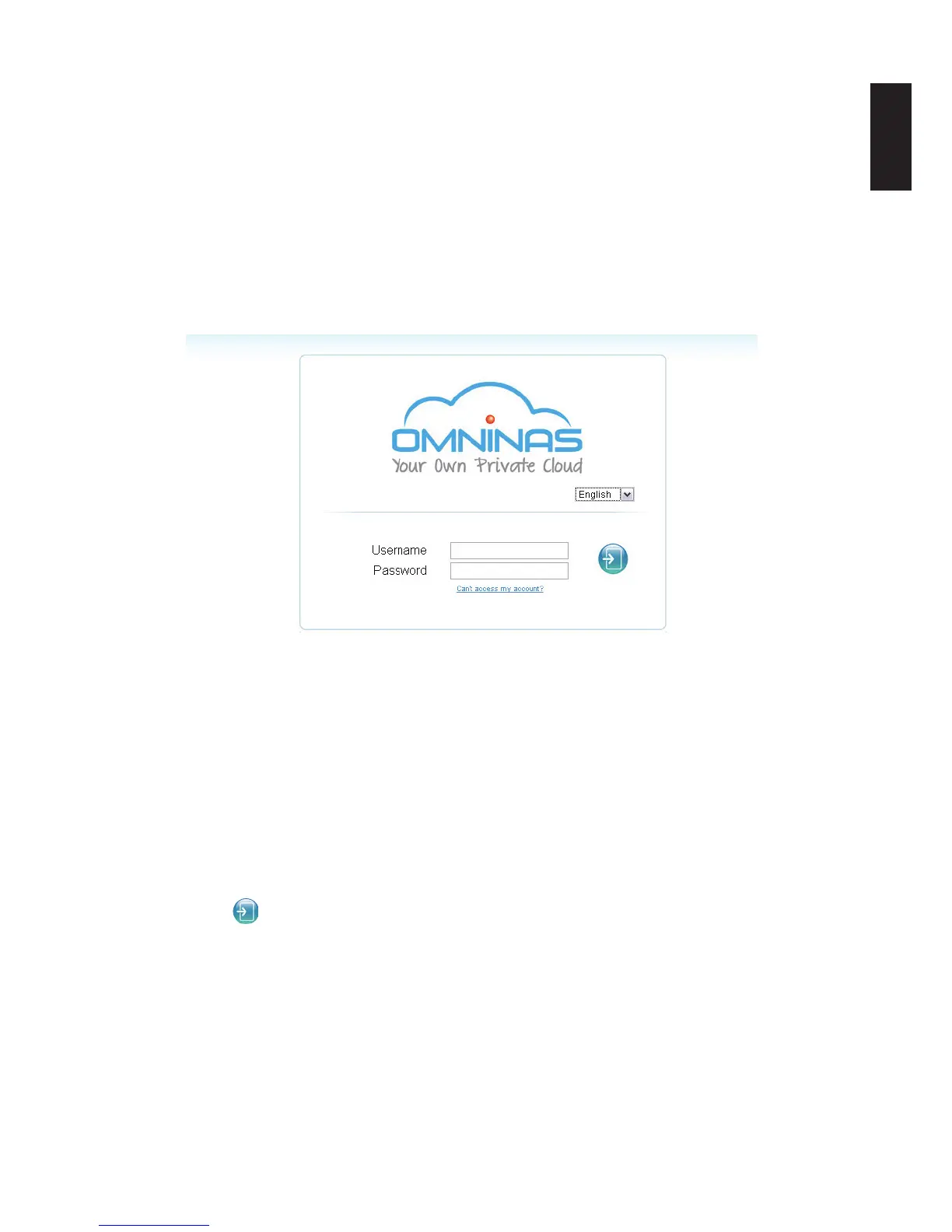
The login screen appears and prompts for a Username and Password. The default username
is admin. The password was you set during in page 2-16, step 2 of OMNINAS Wizard setup
screen.
Note:
You can change the language setting on this screen by clicking on the language drop-down
menu.
To login:
OMNINAS Login Screen
1. Enter the Username and Password.
Default
Username: admin
Password: ******
Note:
The password was set during in page 2-16, step 2 of OMNINAS Wizard setup screen.
2. Click Enter
to access the administration interface.
IMPORTANT:
In the event of a lost password, click on Can’t access my account? to follow the reset
process.
If the Web interface is idle for 10 minutes, the system automatically logs out.



 To Next Page