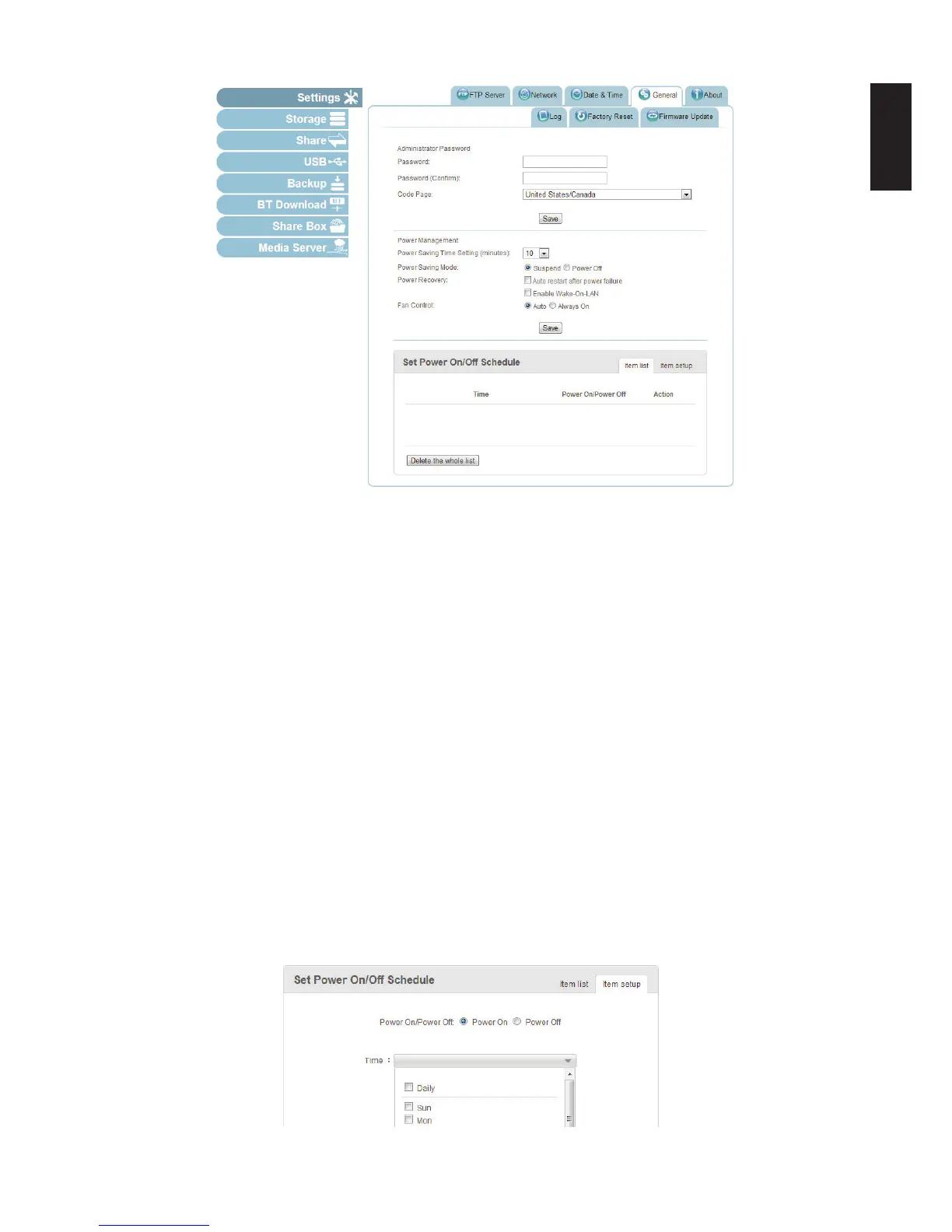
Power Management Prompt
Setting Up a Power On/Off Schedule
To setup the power on/off schedule:
1. In Settings, click the General tab.
2. The Set Power On/Off Schedule menu displays. Select the Item Setup tab, and select
one of the following:
- Power On: click to create a power on schedule.
- Power Off: click to create a power off schedule.
3. From the Time drop-down menu, click on an option to setup a day(s) of the week or a daily
schedule.
4. Click the hours and minutes (24 hour clock) drop-down menu to setup a specic time.
5. Click Save to create the schedule.
Note:
The Hours and Minutes elds are required. The new schedule is listed in the Item list
menu.
Set Power On/Off Schedule Prompt



 To Next Page