Powering On
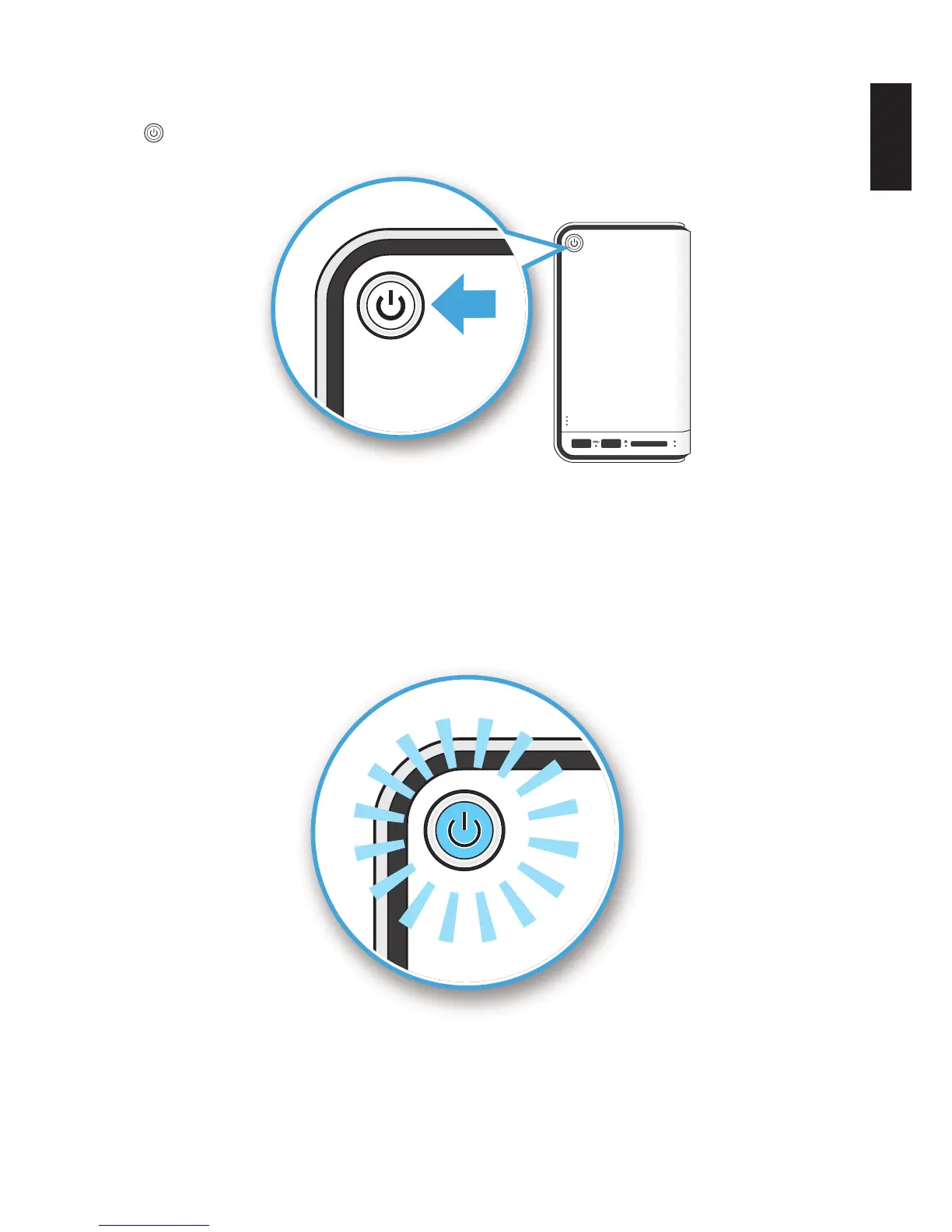
Press to power on. The status LED starts to blink. This process may take 1 to 2 minutes.
2
1
Pressing Power Button
A blinking LED species that the system is in the powering-on state. A solid LED species that
the OMNINAS has obtained an IP address from the router (DHCP connection). See LED Deni-
tions for further information.
In the event of a Red Blinking LED state, the system has failed to obtain an IP address from the
router. The system settings reverts to the default xed IP address (169.254.100.200).
Status LED Display During Boot
Note:
Pressing the Power LED for less than a second disables the blue status LED. Pressing the
Power LED a second time (less than a second) enables the blue status LED.



 To Next Page