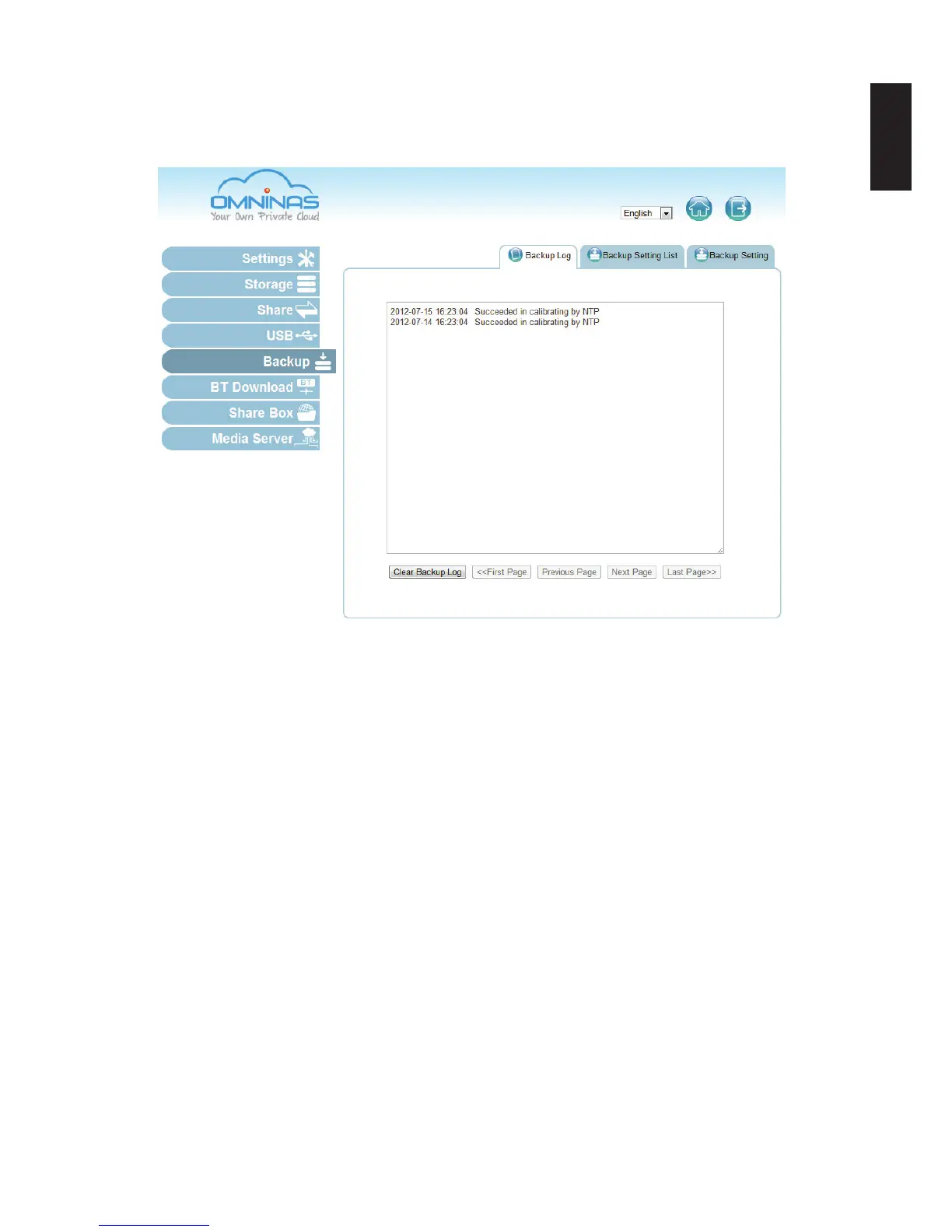
System Backup
The Backup function allows you to view and setup backup schedules, settings lists and logs.
Backup Log Screen
Setting Up Backup Schedules
The Backup Setting function allows you to add a scheduled backup.
1. Select Backup and click on the Backup Setting tab.
2. Select the source folder on the OMNINAS. In the description eld, you can add a note to
help you dene this backup.
3. In the Description eld, enter a name to assign this job.



 To Next Page