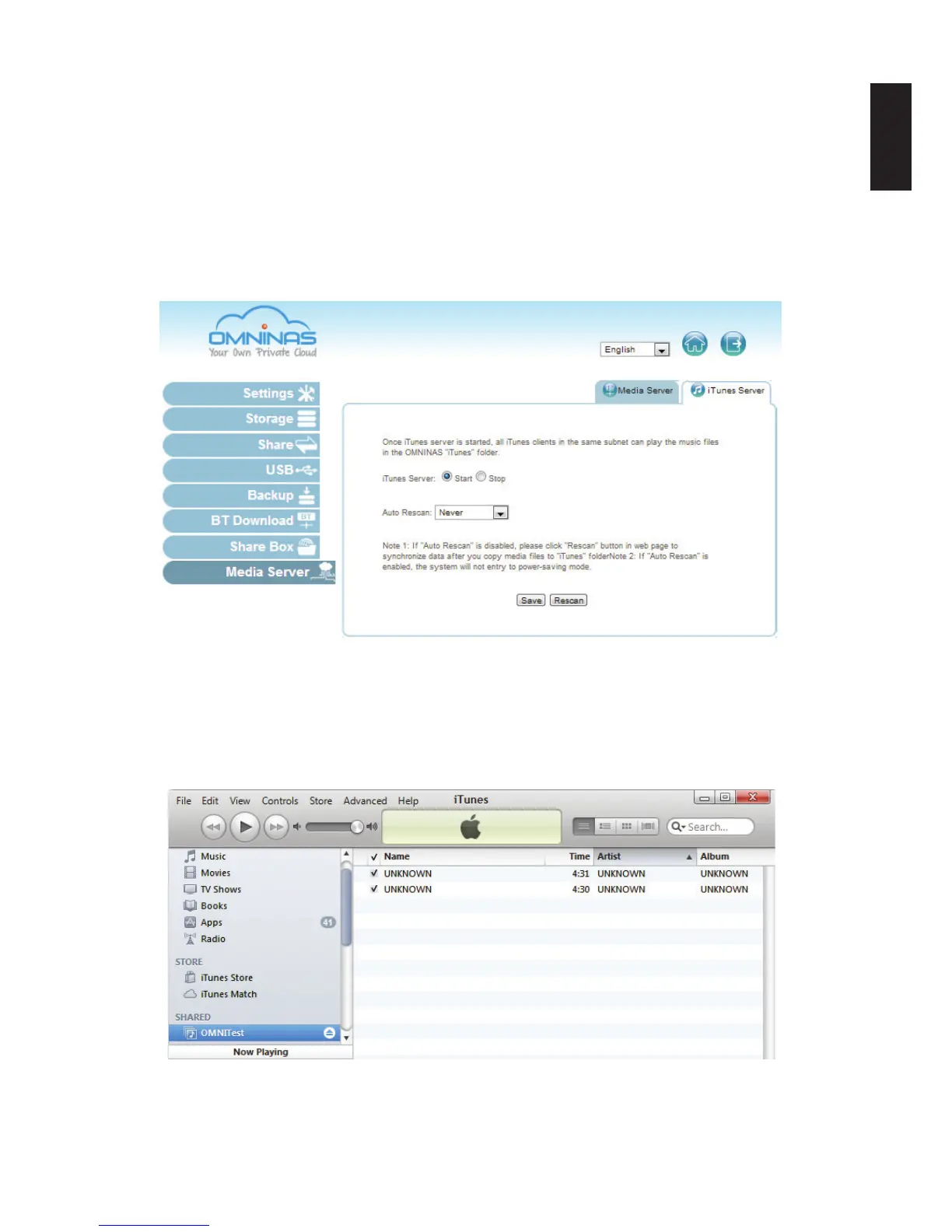
iTunes Server
The service provides access to the iTunes folder on the OMNINAS. By enabling this function,
clients in the same subnet can access the content through the iTunes application on their com-
puter.
1. In Settings, select the iTunes Server tab and click on to enable the iTunes Server service.
Select off to disable the service.
2. Click Save to keep changes.
iTunes Server Setting
3. On your computer, open the iTunes application.
OMNINAS is available under the Shared library.
4. Click on your OMNINAS device. In the selection list, select a le to play.
OMNINAS iTunes Service



 To Next Page