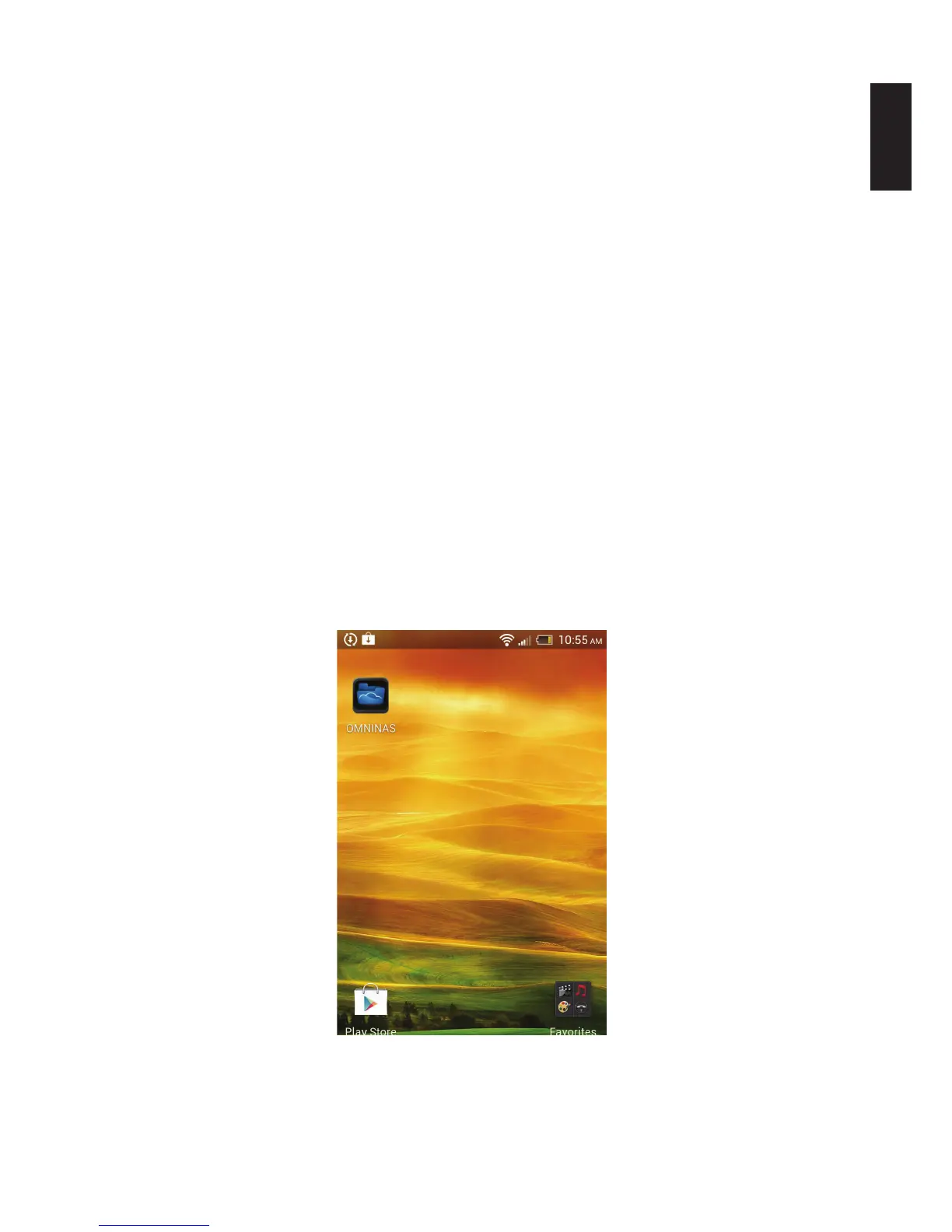
The Android OMNINAS application provides you WAN or LAN access to your OMNINAS device.
To begin using this function, download the application and establish a connection to your device.
Installing the Application
The OMNINAS application is available for download from your Google Play marketplace. Select
Google Play and search for OMNINAS. By downloading the application, you can have access to
your shared media directly through your Android phone.
Note:
Before you can access the Android application, you will need to setup Share Box in your
OMNINAS and add at least one user prole.
Overview
There is Help and About access from the main connection screen of the OMNINAS application. A
clear cache function is also available from this screen.
Note:
Availability to these menus varies from device to device.
1. Tap OMNINAS on your device screen.
Selecting OMNINAS



 To Next Page