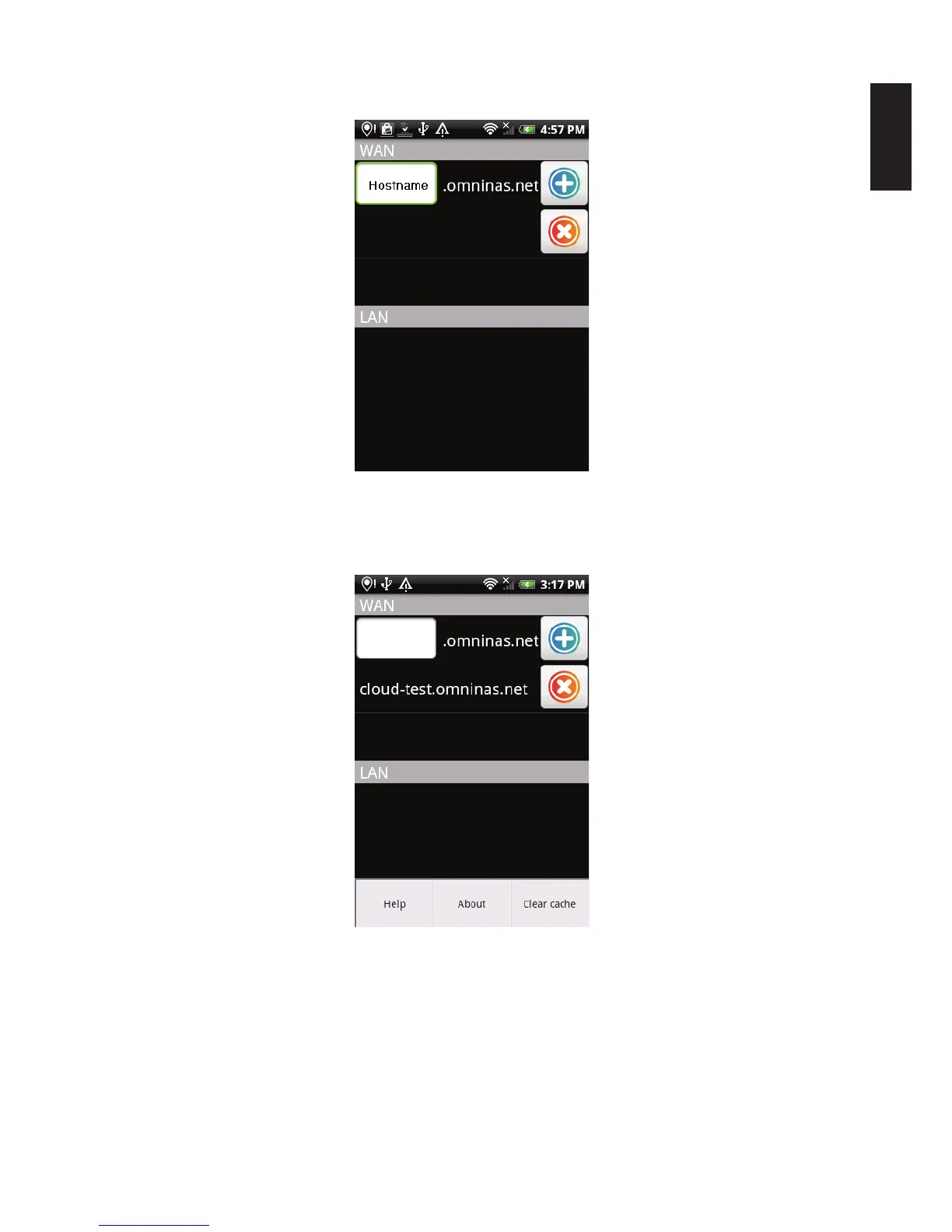
The Connection screen displays.
Connection screen
2. Push the Menu button on your device to display the following screen.
Viewing the Help Menu
3. Tap on a menu selection to open the related information.
Help: displays the OMNINAS application help documentation (text format).
About: displays the application version number and licensing information.
Clear cache: clears the accumulated software cache.



 To Next Page