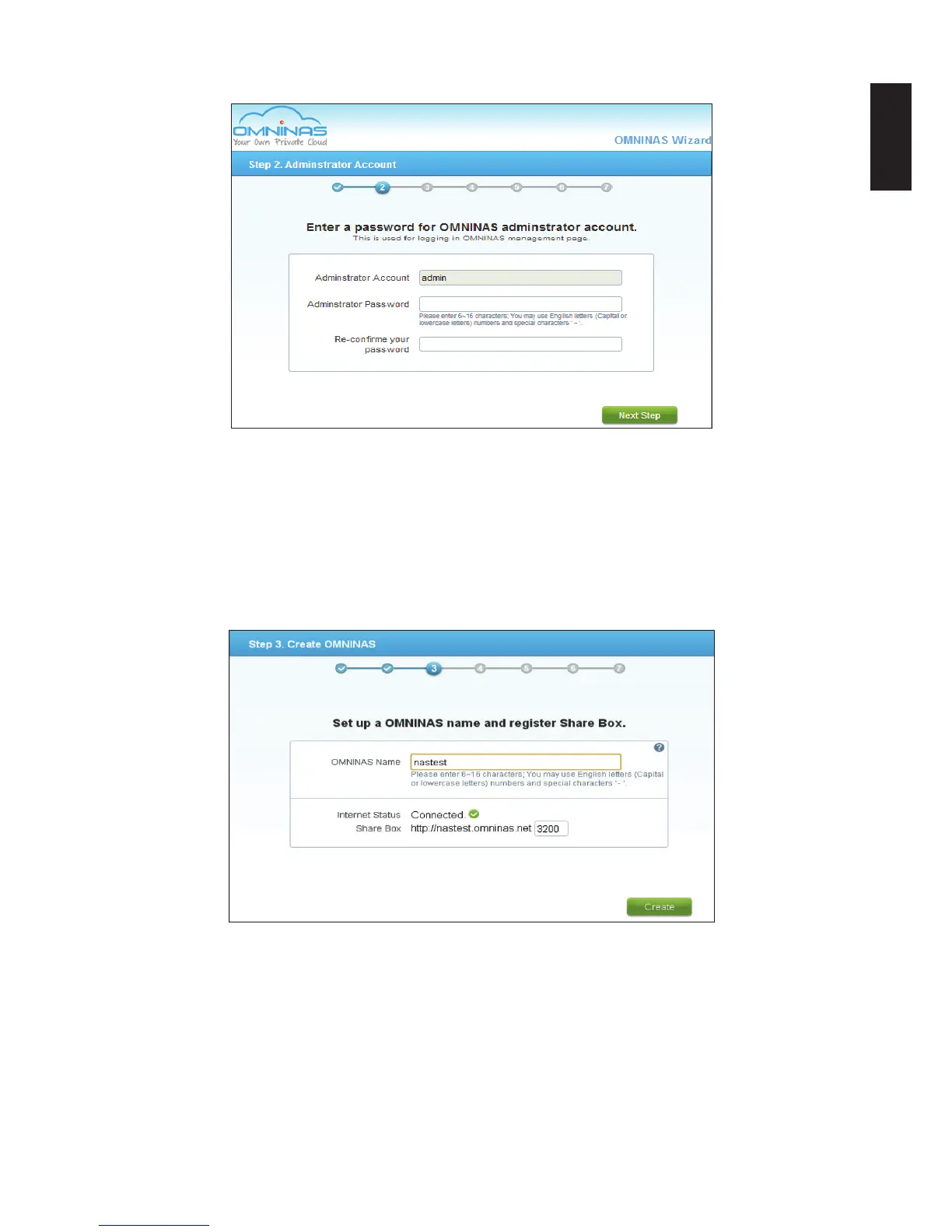
5. Click Next Step.
Adminstrator Account Prompt
6. In the Create OMNINAS prompt, enter a name to designate your OMNINAS device. The
name must be 6 to 18 characters long.
Once your device is named, the Internet status eld displays the status of your network
connection. If you are connected, your Share Box account registers successfully to the
Share Box server.
7. Click Create to contiue.
Create OMNINAS Prompt
The setup process congures your OMNINAS on your local network and registers on the
Share Box server.
In the event of a network error, An Internet Info. prompt displays and lists your device’s
network setting conguration.



 To Next Page